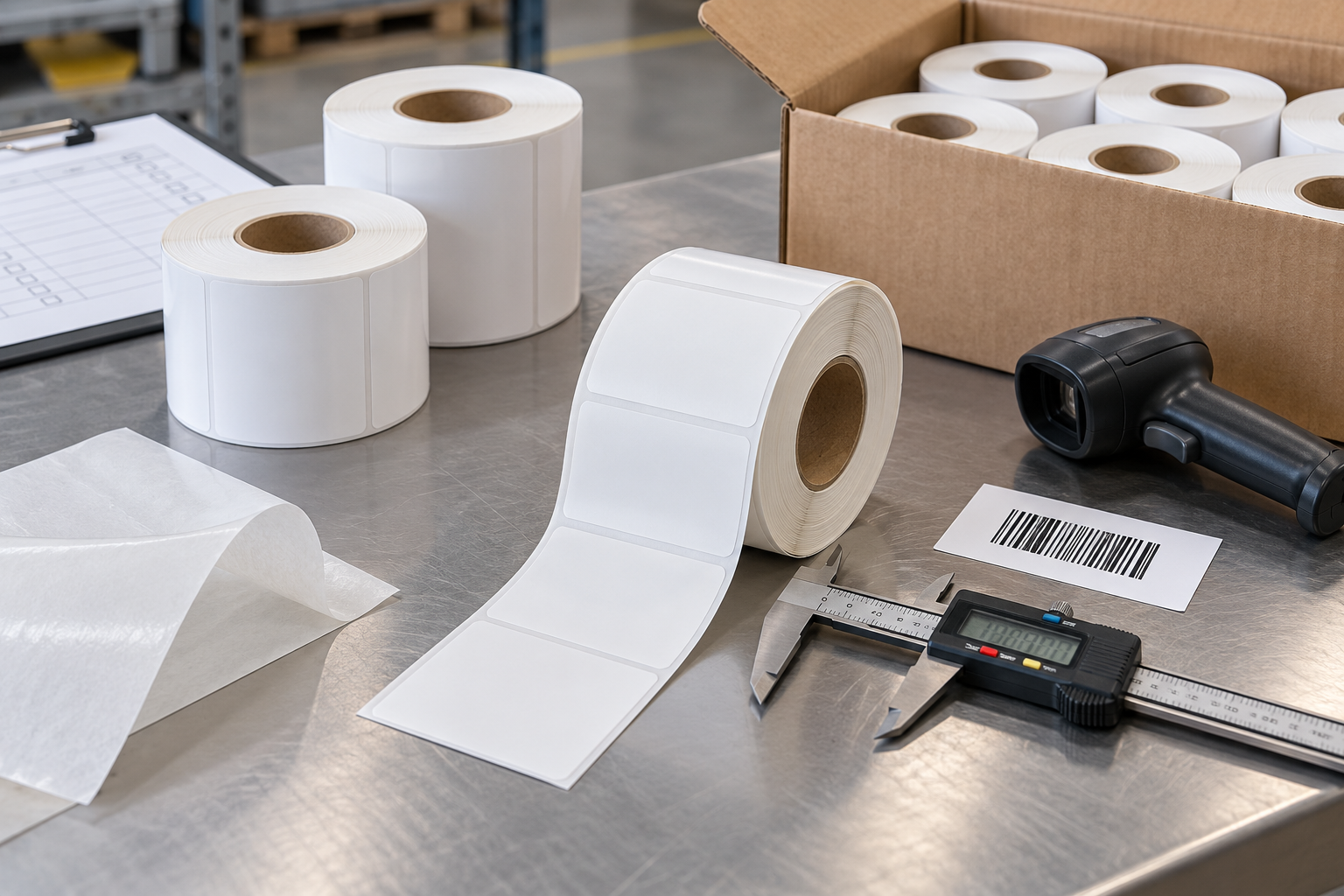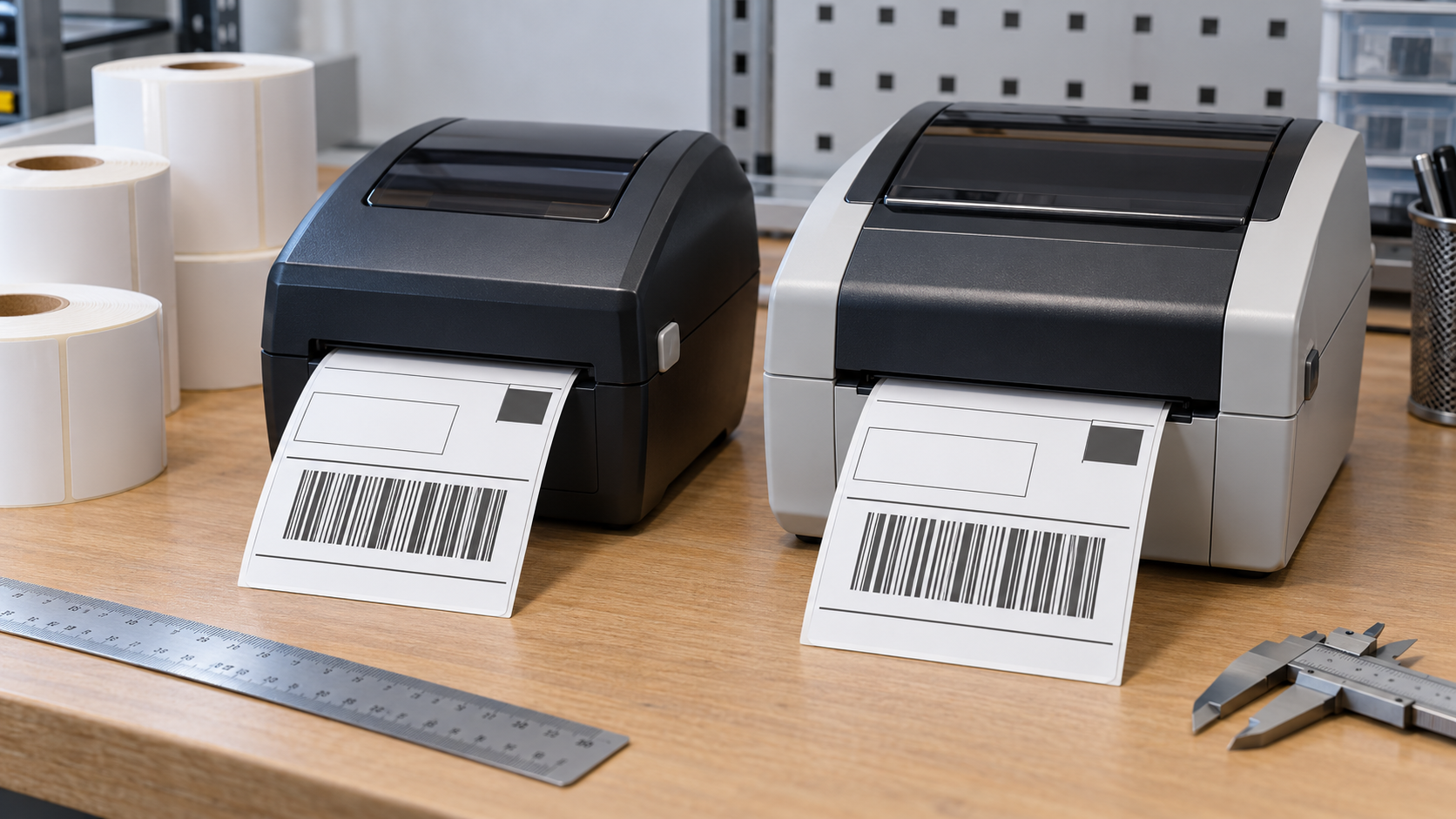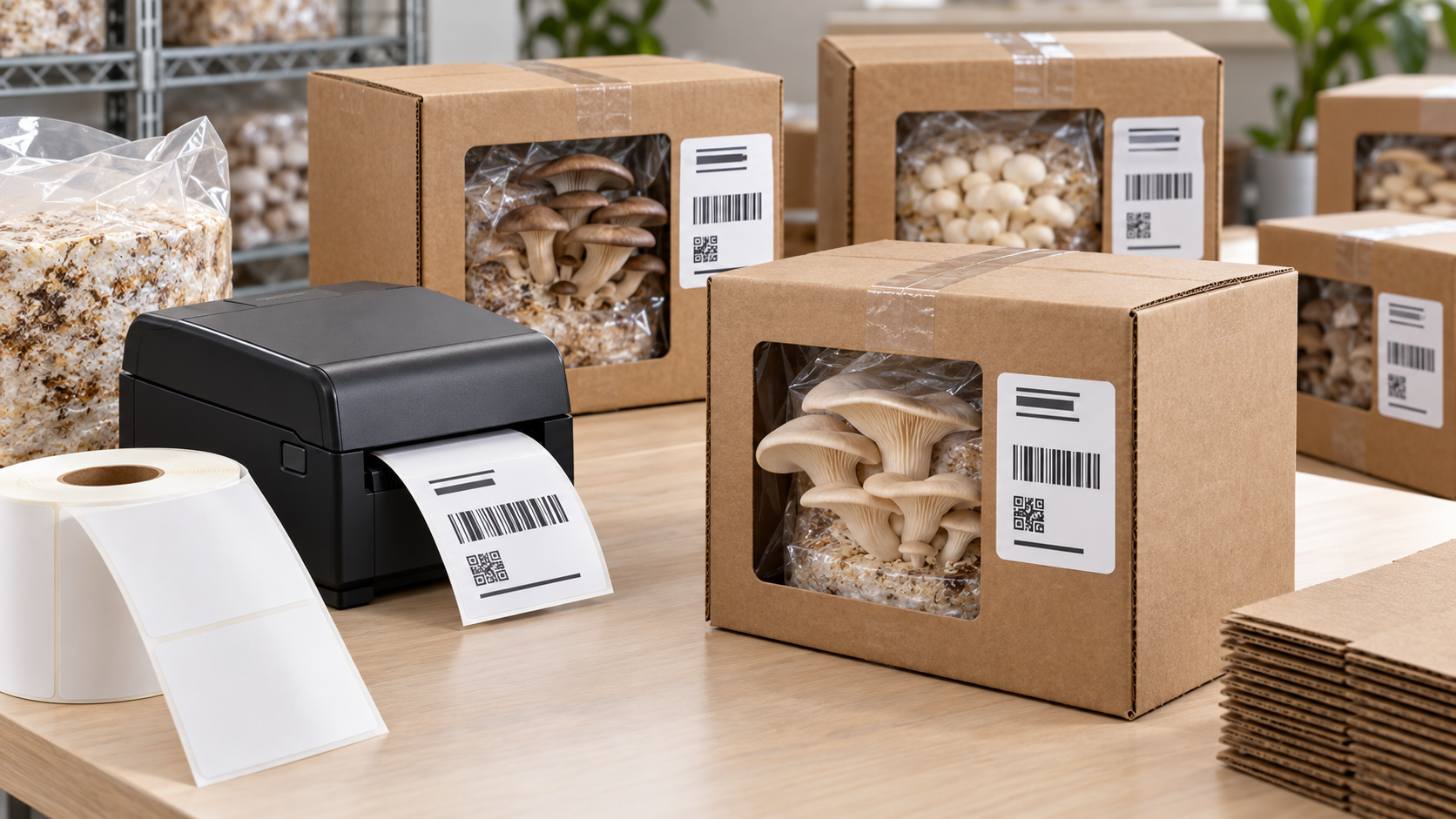
Apply thermal labels to curved surfaces by matching label size, face flexibility, adhesive, and application direction to the container diameter. Clean and dry the surface, avoid compound curves and seams, press from the center outward, and allow the adhesive to build bond before handling or chilling. Start with compatible custom labels and confirm the complete media specification before changing printer settings.
Curvature creates edge-lifting stress. Small rigid labels may bridge the curve, while large labels can wrinkle or flag because their edges continually try to return to a flat shape. The goal is a repeatable correction that works throughout the batch, not a one-label improvement.
How Does Container Diameter Affect Label Size?
A label that wraps too far around a small cylinder experiences greater bending force and may overlap itself. The same label can work on a wide jar but fail on a narrow vial. Treat this as a controlled test rather than changing several settings at once. A single-variable test shows whether the result came from media, mechanics, software, or the application surface.
Test several face sizes on the smallest production diameter and inspect the edges after dwell. Record the starting condition, make the change, and print a small sample. Compare alignment, feed, adhesion, and barcode readability with an approved label before releasing the job.
Which Application Direction Works Best?
The label’s machine and cross directions can have different stiffness. Rotating the design and die cut may improve conformity around a cylinder. The distinction matters in production because a temporary visual improvement can conceal the real cause. Verify the behavior across several labels before saving a new default.
Ask for material-direction information and compare both orientations when edge lift is close to the limit. Use a known-good roll or file as a reference. If the reference works, compare specifications and saved settings; if it fails too, inspect the printer and workflow first.
Which Face Stock Conforms Best?
Thinner or more flexible paper and film usually follow a simple curve better than stiff, thick constructions. Very flexible film can still wrinkle if stretched during application. This check should be completed with the actual printer, label construction, and operating conditions. A desktop test with substitute media may not reproduce the production result.
Apply without tension and choose durability only to the level required by the environment. Measure the result instead of relying only on appearance. Consistent dimensions, repeatable positioning, and successful scans provide stronger evidence than one acceptable print.
Which Adhesive Should Be Used?
Small-radius, low-energy, cold, textured, or plasticized containers may need a high-tack or specially formulated adhesive. Aggressive tack also reduces repositioning time. Do not compensate with unrelated settings. Heat, speed, offsets, calibration, and page scale solve different problems and should be adjusted only when evidence points to them.
Match adhesive to the exact resin, coating, application temperature, and service conditions. If the result varies, stop and inspect loading, contamination, wear, environmental conditions, and media consistency. Random variation should not be hidden with a large permanent adjustment.
How Should the Surface Be Prepared?
Dust, oil, condensation, mold release, and handling residue reduce contact area. Seams, embossing, and sharp transitions create local lifting points. Treat this as a controlled test rather than changing several settings at once. A single-variable test shows whether the result came from media, mechanics, software, or the application surface.
Clean with an approved method, let the surface dry, and select a smooth section away from seams. Record the starting condition, make the change, and print a small sample. Compare alignment, feed, adhesion, and barcode readability with an approved label before releasing the job.
What Is the Correct Hand-Application Method?
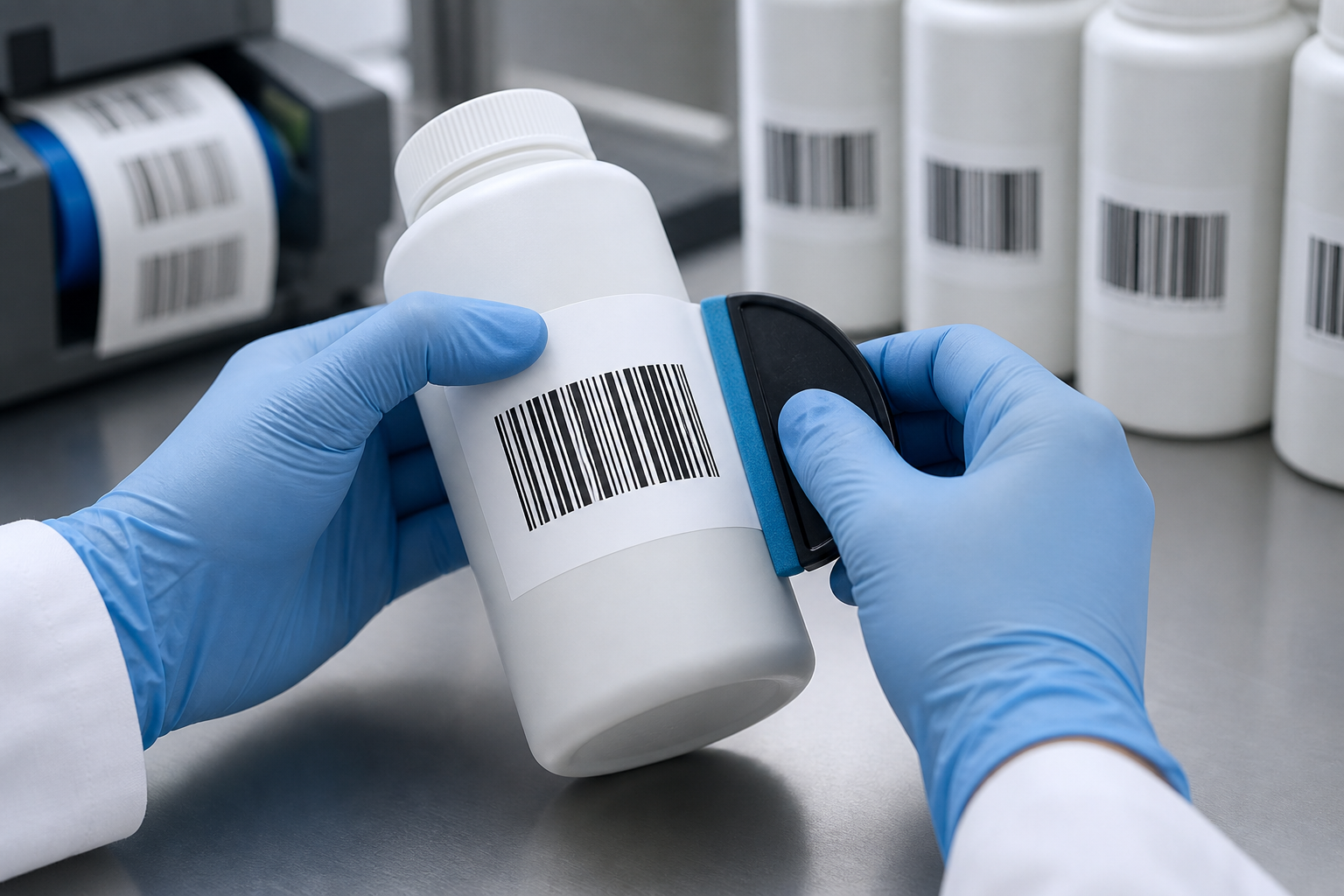
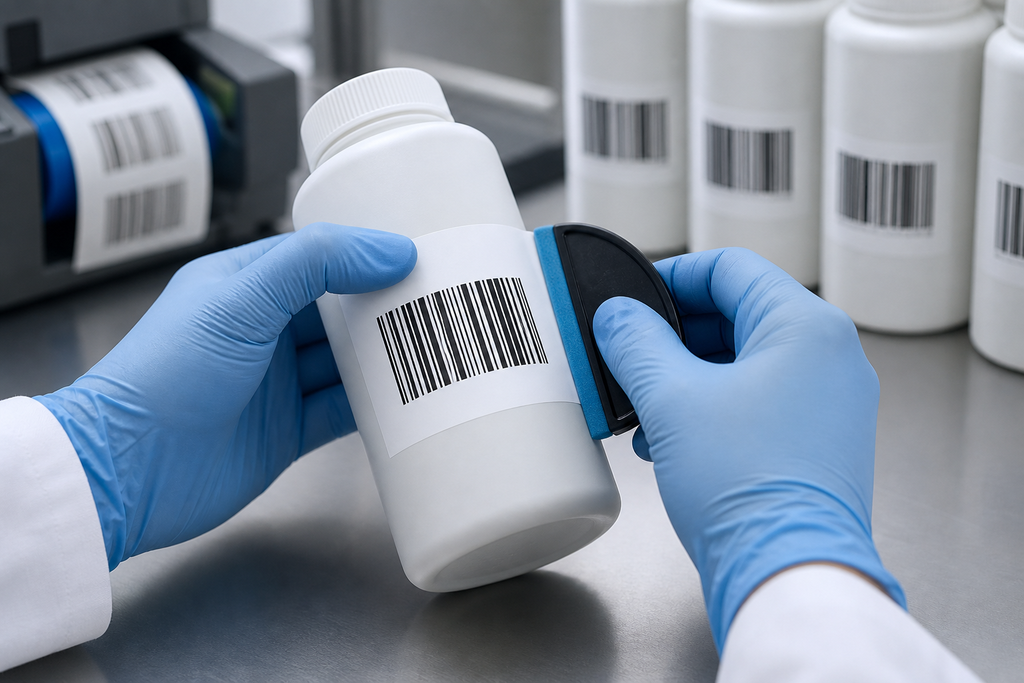
Touching the adhesive or trapping air at the center reduces uniform contact. Stretching the face introduces stored tension that later pulls up the edges. The distinction matters in production because a temporary visual improvement can conceal the real cause. Verify the behavior across several labels before saving a new default.
Position one center line, press outward smoothly around the curve, and use firm even pressure without stretching. Use a known-good roll or file as a reference. If the reference works, compare specifications and saved settings; if it fails too, inspect the printer and workflow first.
How Long Should the Label Dwell?
Pressure-sensitive adhesives often build bond after application. Immediate refrigeration, washing, filling, or abrasion can challenge the bond before it develops. This check should be completed with the actual printer, label construction, and operating conditions. A desktop test with substitute media may not reproduce the production result.
Set a validated dwell period at the required temperature and inspect after the full production sequence. Measure the result instead of relying only on appearance. Consistent dimensions, repeatable positioning, and successful scans provide stronger evidence than one acceptable print.
What Is the Fastest Troubleshooting Sequence?
Work from the simplest observable cause toward less common hardware faults. Keep the same test file and change one variable at a time so each result remains useful.
- Identify container material, finish, diameter, taper, seams, and temperature.
- Choose a face size that does not wrap excessively or cross compound curves.
- Test flexible face stocks and matched adhesives in both orientations.
- Clean and dry the surface using the approved production method.
- Apply from the center outward with even pressure and no stretch.
- Allow full dwell, condition the sample, and inspect edges, wrinkles, and barcode scans.
How Should You Validate the Final Result?
Print enough labels to include normal starts, stops, and roll movement. Inspect the first, middle, and final samples, scan every barcode type used in the job, and confirm that text, quiet zones, edges, and registration remain stable.
Repeat the test under the actual application and environmental conditions. A label that looks correct on the bench may behave differently on cold, dusty, curved, recycled, or frequently handled surfaces. Keep the approved sample and settings with the job record.
When Should You Request Technical Support?
Request service when approved media and a known-good file still fail after correct loading, cleaning, setup, and controlled testing. Persistent sensor errors, damaged rollers, unstable feed, electrical faults, or settings that reset unexpectedly require model-specific diagnosis.
Provide the printer model, resolution, firmware, driver, connection, media specification, settings, photographs, and test results. Clear evidence shortens diagnosis and reduces unnecessary parts replacement.
What Should You Confirm With the Supplier?
Provide container samples or exact material and diameter, taper, label dimensions, application method, application and service temperatures, moisture, chemicals, and required dwell life. Ask the label supplier to confirm tolerances, sample availability, and compatibility with the printer and application.
Approve a production-equivalent sample before a large order. Document the final face size, liner, sensing method, adhesive, roll construction, storage limits, and acceptance checks so later orders can reproduce the same result.