Shipping products from home has become easier than ever. Whether you’re running an Etsy shop, selling on Amazon, managing a Shopify store, or simply mailing packages occasionally, printing shipping labels at home can save time, reduce costs, and streamline your entire shipping process.
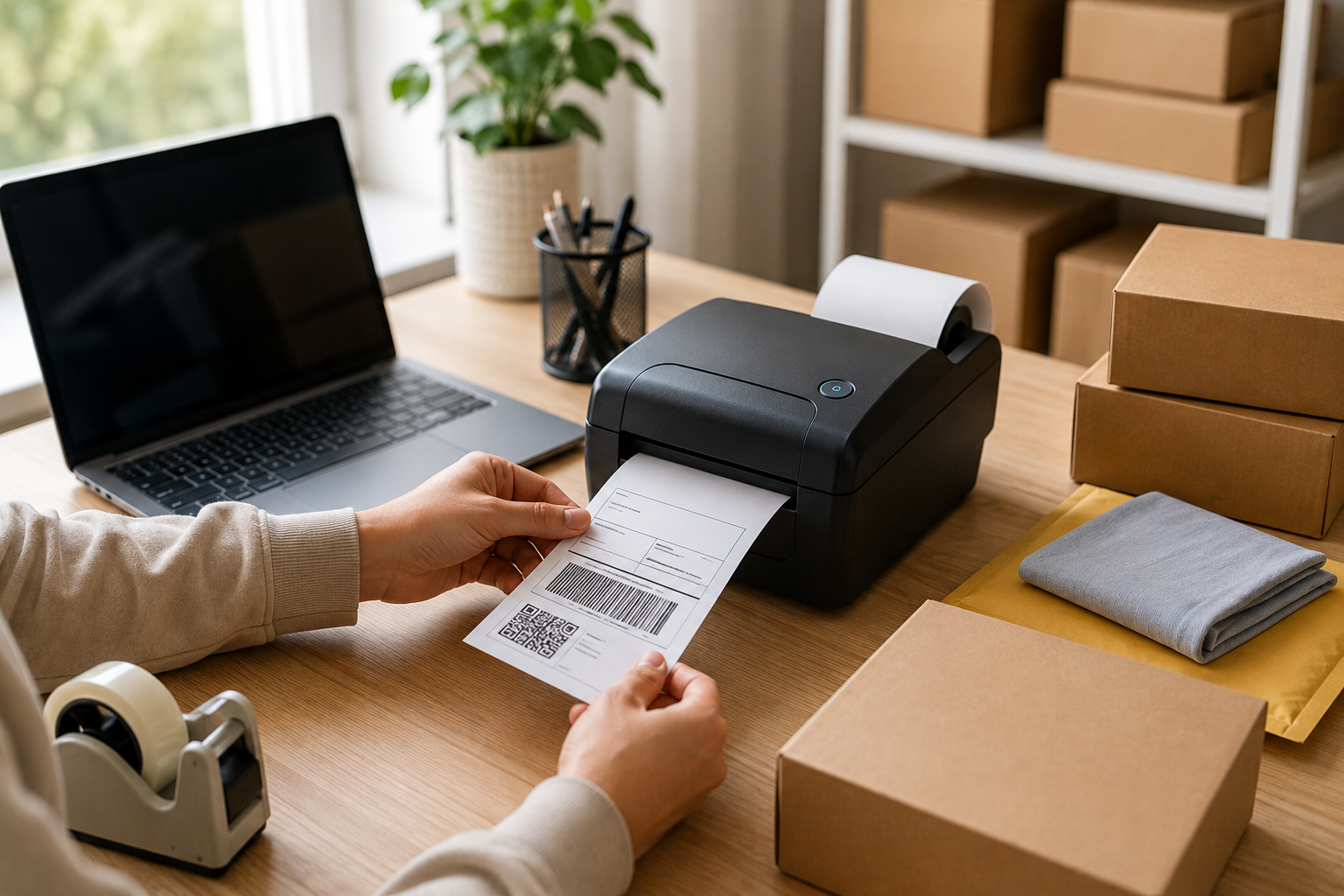
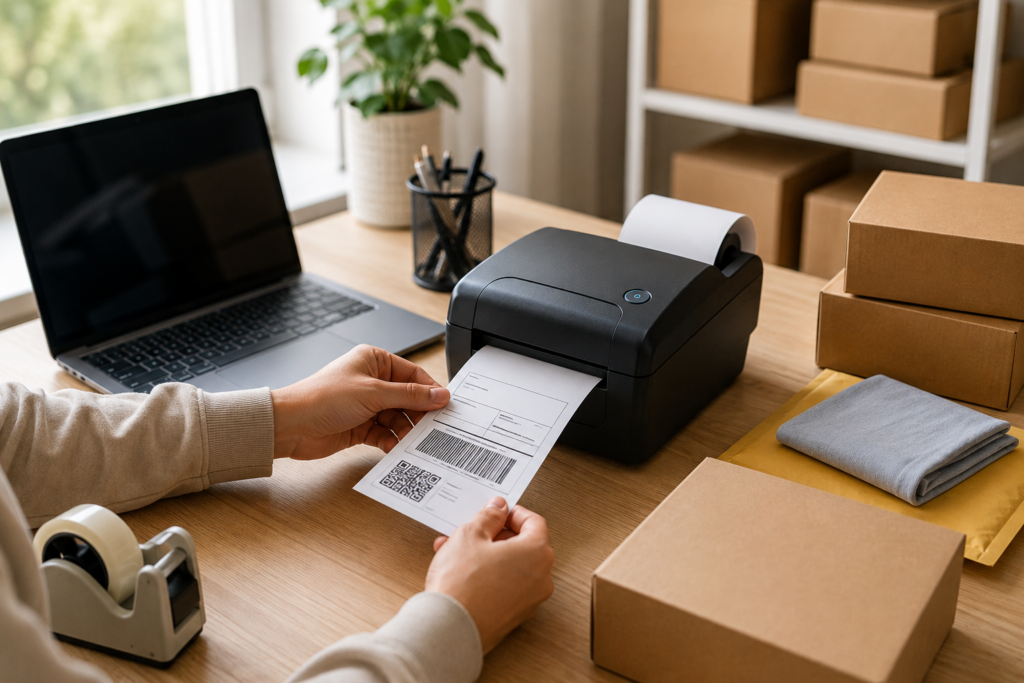
In the past, many people relied on post offices or shipping centers to print labels. Today, online shipping platforms and thermal printing technology make it possible to create professional-quality shipping labels in seconds. Combined with high-quality thermal labels, such as Betckey shipping labels, home label printing is both convenient and affordable.
This guide explains everything you need to know about printing shipping labels at home, including the equipment you’ll need, how thermal printers work, step-by-step instructions, and solutions to common problems.
Why Print Shipping Labels at Home?
Printing shipping labels at home offers several advantages over handwriting addresses or visiting a shipping store.
Save Time
Instead of standing in line at the post office, you can create and print labels immediately and schedule package pickups from your carrier.
Reduce Costs
Using a thermal printer eliminates the need for expensive ink cartridges or toner replacements.
Improve Accuracy
Online shipping platforms automatically generate labels, helping reduce address errors and ensuring packages are delivered correctly.
Create a Professional Appearance
Printed labels are easier for carriers to scan and give your packages a cleaner, more professional look.
Increase Efficiency
For small businesses and eCommerce sellers, printing labels at home speeds up order fulfillment and makes scaling easier.
What Equipment Do You Need?
Getting started with home label printing doesn’t require a huge investment. Most users only need a few basic items.
A Computer or Smartphone
You can generate shipping labels using:
- Windows computers
- Mac computers
- Chromebooks
- iPhones
- Android devices
Most carrier websites and eCommerce platforms support mobile and desktop label printing.
A Printer
There are two common options.
Inkjet or Laser Printer
Traditional printers can print labels on:
- Plain paper
- Half-sheet labels
- Adhesive label sheets
However, these printers require ink or toner and often involve cutting and taping labels onto packages.
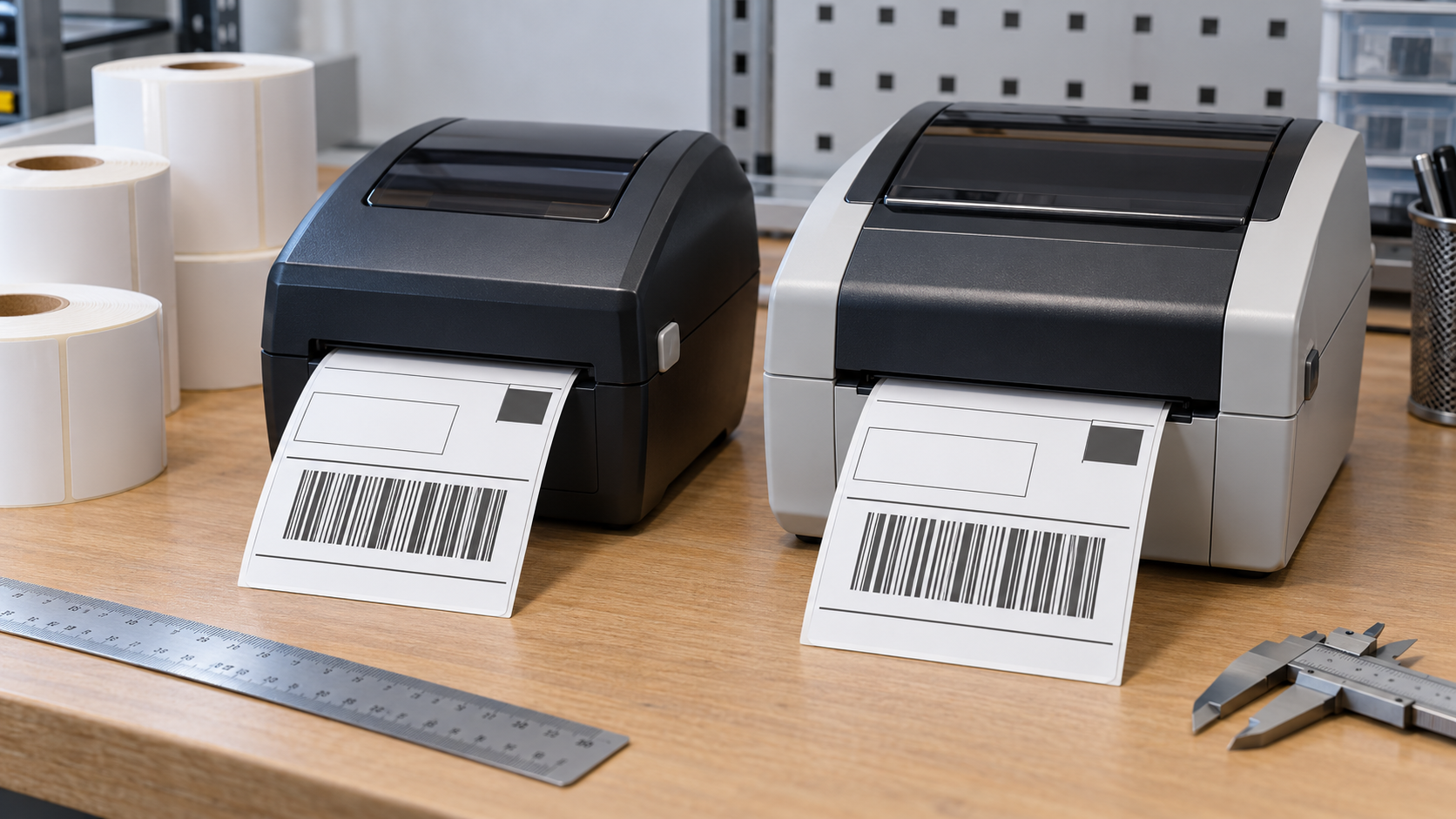
Thermal Label Printer
Thermal printers have become the preferred solution for home businesses because they:
- Require no ink or toner
- Print quickly
- Produce sharp barcodes
- Lower operating costs
- Require minimal maintenance
Popular printer brands include:
- Zebra
- Brother
- Rollo
- Jadens
- Munbyn
- POLONO
Thermal Shipping Labels
The industry-standard size for shipping labels is 4″ × 6″.
These labels are widely used for:
- USPS
- UPS
- FedEx
- Amazon FBA
- Shopify
- Etsy
- eBay
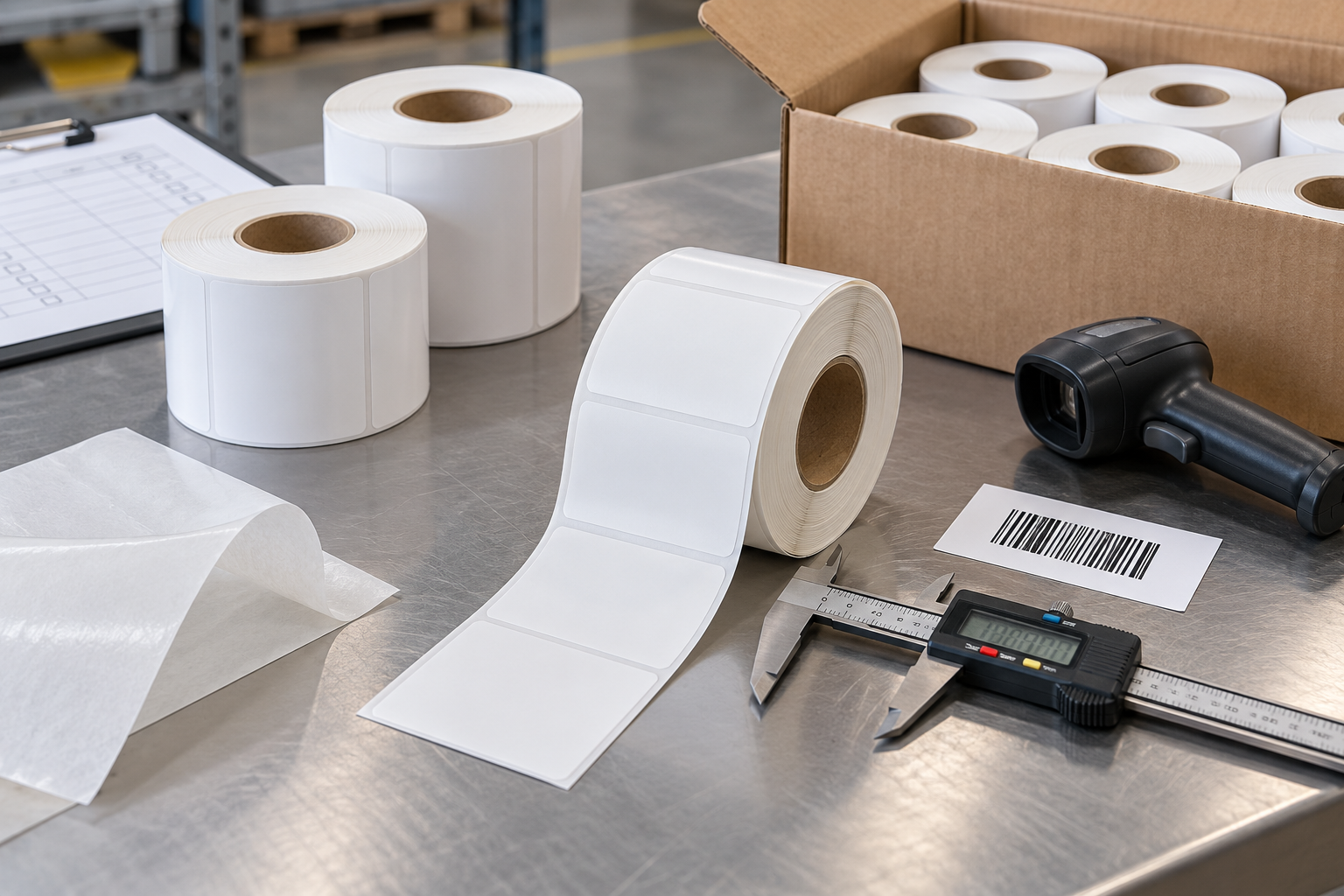
Betckey 4×6 thermal shipping labels are designed for direct thermal printers and feature:
- BPA-free material
- Strong permanent adhesive
- Crisp barcode printing
- Easy-peel backing
- Compatibility with many popular thermal printers
How Does Thermal Printing Work?
Unlike traditional printers, thermal printers do not use ink or toner.
Instead, they apply heat to specially coated labels. The heat-sensitive surface turns black in selected areas, creating text, graphics, and barcodes.
Thermal printing offers several advantages:
- Faster printing speed
- Lower maintenance
- No ink replacement costs
- Cleaner operation
- Excellent barcode readability
Because of these benefits, thermal printing has become the preferred method for eCommerce sellers and warehouses.
Step 1: Generate Your Shipping Label
The first step is creating the label online.
You can generate labels through:
- USPS Click-N-Ship
- UPS Shipping
- FedEx Ship Manager
- Amazon Seller Central
- Shopify Shipping
- Etsy Labels
- eBay Shipping
- Pirate Ship
After entering:
- Recipient information
- Package dimensions
- Weight
- Shipping service
the platform automatically generates a printable shipping label.
Step 2: Choose the Correct Label Size
Shipping labels come in several sizes, but 4″ × 6″ labels are the most commonly used.
Common label sizes include:
| Label Size | Common Use |
|---|---|
| 4″ × 6″ | Shipping labels |
| 4″ × 2″ | Warehouse labels |
| 3″ × 2″ | Inventory labels |
| 2″ × 1″ | Barcode labels |
| 2.25″ × 1.25″ | UPC labels |
Betckey offers various label sizes to support:
- Shipping labels
- Inventory labels
- Product labels
- Barcode labels
- Shelf labels
For most users, 4×6 labels provide the best compatibility and barcode readability.
Step 3: Load the Labels Properly
Proper loading is essential for accurate printing.
Roll Labels
If you’re using roll labels:
- Place the roll onto the holder.
- Feed the label through the printer guides.
- Adjust the guides snugly.
- Close the printer cover.
Fanfold Labels
For fanfold labels:
- Place the stack behind the printer.
- Feed labels through the rear slot.
- Ensure smooth feeding.
- Run printer calibration if necessary.
Betckey offers both roll and fanfold label formats to support different printer models and workspace setups.
Step 4: Adjust Printer Settings
Incorrect printer settings are one of the most common causes of printing problems.
Paper Size
Set the paper size to:
4″ × 6″ (100 mm × 150 mm)
Scaling
Select:
- Actual Size
- 100%
Avoid options such as:
- Fit to Page
- Shrink to Fit
Improper scaling may distort barcodes and make them difficult to scan.
Orientation
Depending on your software, choose:
- Portrait
- Landscape
Print Resolution
Most thermal printers use:
- 203 dpi
- 300 dpi
Higher resolution generally produces sharper barcodes and text.
Step 5: Print and Apply the Label
Once the label is printed:
- Peel the backing paper.
- Apply the label to a flat surface.
- Avoid wrinkles or folds.
- Do not cover the barcode with tape.
A smooth label surface helps ensure reliable scanning during transit.
Which Platforms Support Home Shipping Label Printing?
Almost every major eCommerce platform supports label printing.
Amazon
Amazon sellers use thermal labels for:
- FBA shipments
- Merchant Fulfilled orders
Shopify
Shopify Shipping integrates with:
- USPS
- UPS
- DHL
- FedEx
Labels can be generated directly from the dashboard.
Etsy
Etsy sellers can purchase and print labels without leaving the platform.
eBay
eBay supports multiple carriers and works seamlessly with thermal printers.
Pirate Ship
Pirate Ship has become popular because it offers:
- Commercial USPS rates
- UPS discounts
- Easy label generation
Common Problems and Solutions
Even with quality labels and printers, occasional problems may occur.
Labels Print Blank
Possible causes include:
- Labels loaded upside down
- Dirty print heads
- Incorrect media type
Using direct thermal labels like Betckey labels and checking the loading direction usually solves the issue.
Barcodes Won’t Scan
Common causes include:
- Wrong scaling
- Poor print quality
- Low resolution
Always print at 100% scale and use quality labels to ensure clear barcode printing.
Labels Skip or Misalign
Misalignment usually results from:
- Incorrect label dimensions
- Lack of printer calibration
Running a calibration process often fixes the problem.
Labels Peel Off Packages
Weak adhesion may occur because of:
- Dusty surfaces
- Moisture
- Low-quality labels
Betckey thermal shipping labels use strong permanent adhesive designed for cardboard boxes and poly mailers.
Roll Labels vs. Fanfold Labels
Both formats work well for home users.
Roll Labels
Advantages:
- Compact storage
- Easy loading
- Ideal for printers with roll holders
Fanfold Labels
Advantages:
- Larger quantities
- No holder required
- Suitable for high-volume printing
Betckey offers both formats to accommodate different printers and shipping volumes.
Tips for Better Shipping Label Printing
To achieve the best results:
- Store labels in a cool, dry environment.
- Keep labels away from direct sunlight.
- Clean the print head regularly.
- Use the correct label size.
- Avoid covering barcodes with tape.
- Print at 100% scale.
- Use high-quality thermal labels.
Proper storage and maintenance help extend label life and improve barcode readability.
Is a Thermal Printer Worth It?
For occasional shipments, a standard printer may be sufficient.
However, if you ship several packages each week, a thermal printer can quickly pay for itself.
Benefits include:
- No ink costs
- Faster printing
- Lower maintenance
- Better barcode quality
- Improved efficiency
Combined with reliable products like Betckey thermal shipping labels, thermal printers provide a professional and cost-effective shipping solution for home businesses.
Conclusion
Printing shipping labels at home is simple, affordable, and highly efficient. With the right equipment and label materials, anyone can create professional-quality shipping labels without visiting a shipping center.
For most individuals and small businesses, a direct thermal printer paired with 4×6 labels provides the easiest and most economical solution. Since thermal printing eliminates ink and toner expenses, it has become the preferred choice for Amazon sellers, Shopify merchants, Etsy creators, and growing eCommerce businesses.
Betckey thermal shipping labels offer strong adhesion, sharp barcode printing, and broad compatibility with many popular thermal printers, making them a dependable option for anyone looking to streamline their shipping process.
Frequently Asked Questions
Can I print shipping labels on regular paper?
Yes. You can print shipping labels on plain paper and attach them with tape. However, self-adhesive thermal labels provide a more professional appearance and are much easier to apply.
What size shipping label should I use?
The standard size used by USPS, UPS, FedEx, Amazon, Shopify, and eBay is 4″ × 6″. This size offers excellent compatibility and barcode readability.
Do thermal printers require ink?
No. Direct thermal printers use heat instead of ink or toner. When paired with quality labels such as Betckey thermal shipping labels, they provide a low-maintenance and cost-effective printing solution.