Many online sellers begin by printing a few orders on a general office printer. As volume grows, cutting sheets, applying tape, and correcting misaligned prints becomes a bottleneck. A well-designed thermal labeling workflow can speed packing, reduce consumable complexity, and support more orders without turning the shipping desk into a source of errors.
Know When the Current Process Is Failing
Warning signs include long queues at one printer, frequent label reprints, employees waiting for supplies, packages leaving without scan confirmation, and carrier labels being attached to the wrong orders. Measure orders per hour and the time spent printing and applying each label. These observations show whether the business needs a thermal printer, another station, better software integration, or simply a clearer standard process.
Standardize the Shipping Format
A standard 4-by-6-inch carrier label works with many shipping platforms and thermal printers. Standardization reduces template errors and allows supplies to move between compatible stations. The label should fit the smallest commonly used package without wrapping around edges. Sellers can review direct thermal shipping label formats when comparing rolls and fan-fold stacks for the available workspace and expected daily volume.
Design the Packing Station Around Flow
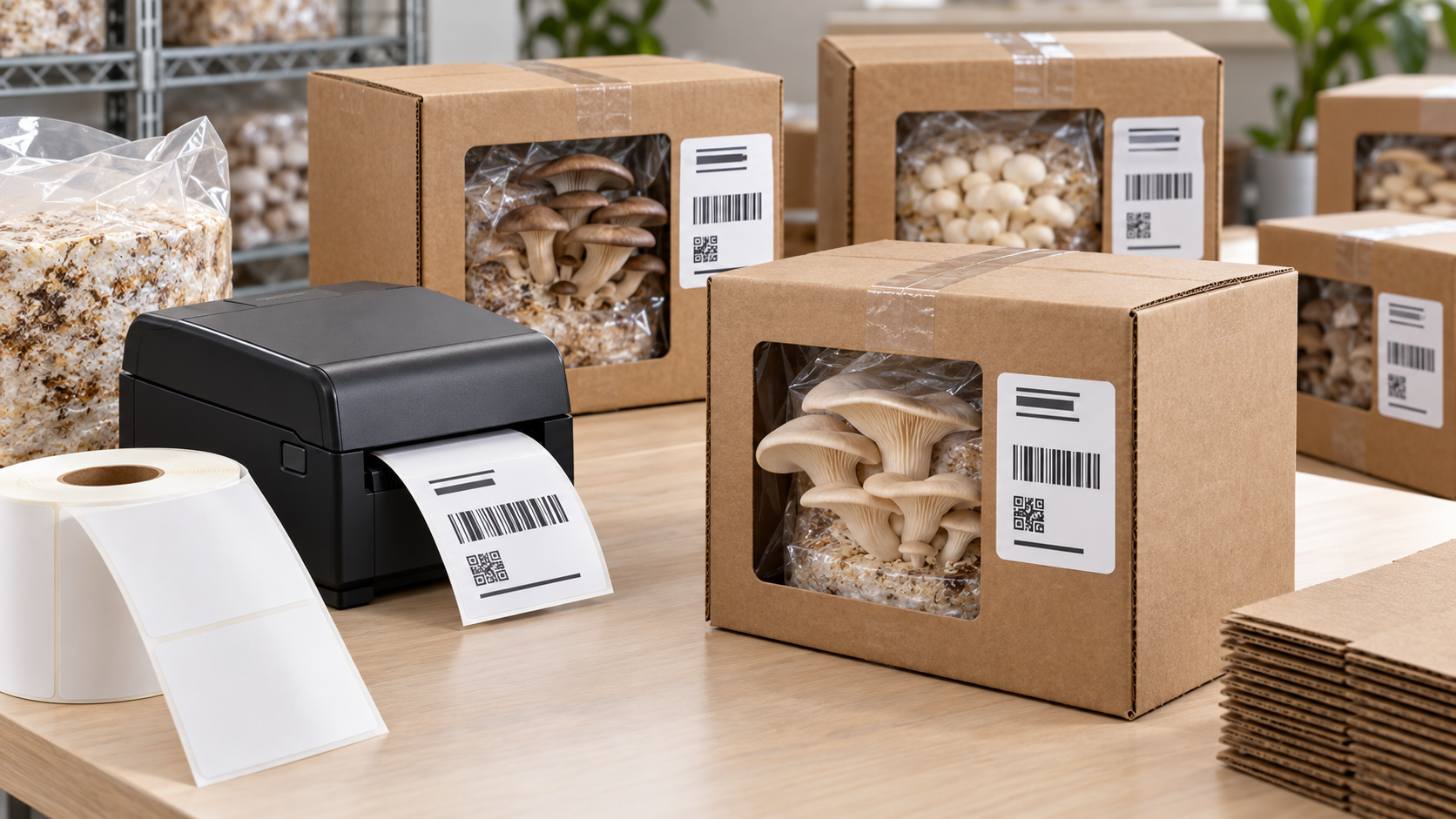
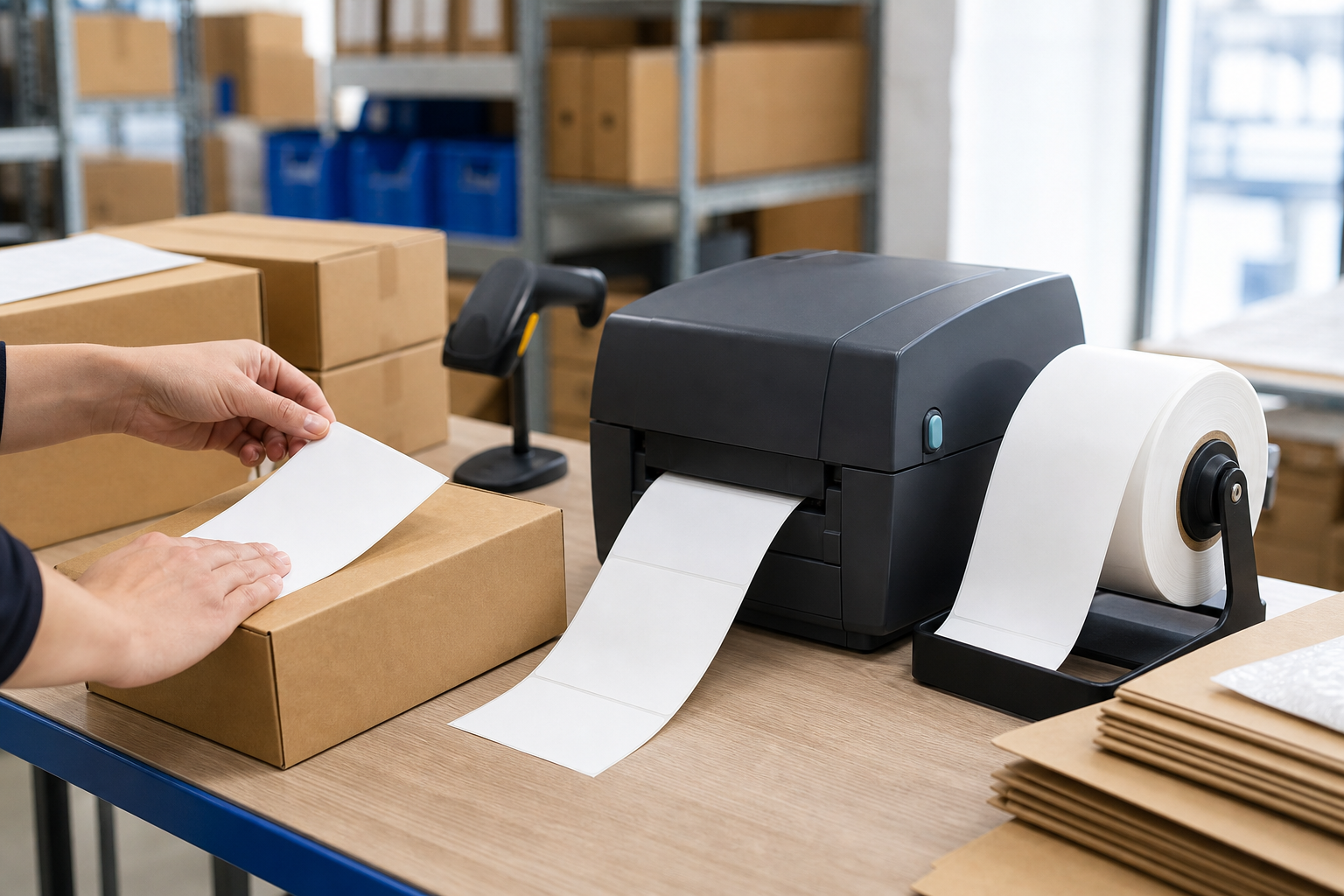
Place the printer, scanner, scale, packaging, and completed-order area so the packer can work without unnecessary reaching or crossing paths. Each station should have a defined place for the current order and its label. Printing on demand after the item is verified reduces the chance of mixing labels. At higher volumes, scan-based workflows can confirm the order, select the right carrier service, and trigger the print automatically.
Choose Equipment for Peak Demand
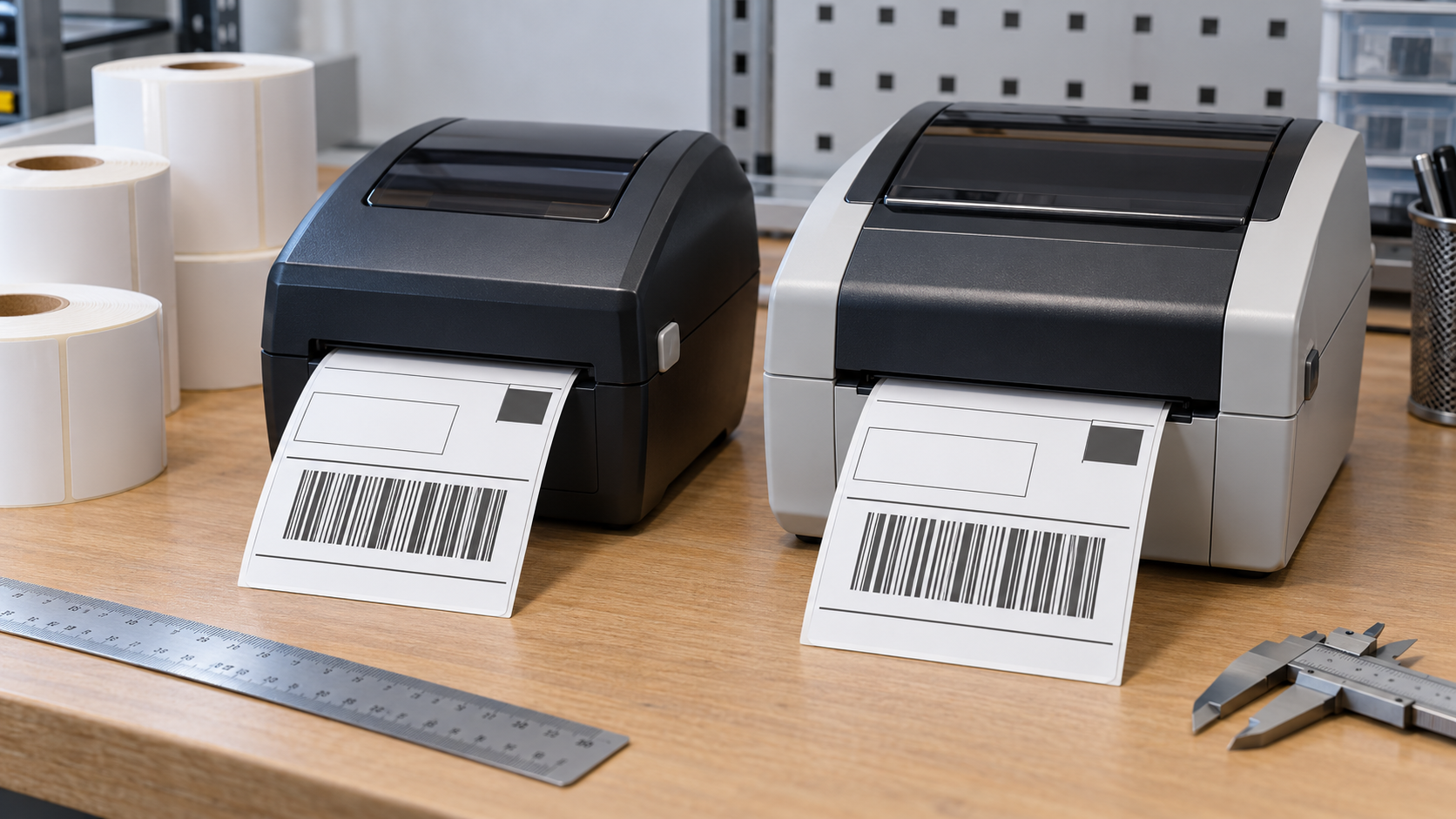
A desktop printer may serve a small shop well, while an industrial model offers larger rolls, higher duty cycles, and rugged construction. The right choice depends on peak hourly volume, not just the annual average. Businesses can also add multiple identical printers for redundancy and easier training. Printer resolution should match the smallest barcodes and text in the design; higher resolution is not automatically necessary for a standard shipping label.
Control Print Quality
Create an approved template and lock critical dimensions so carrier barcodes are not resized by browser or driver settings. Set appropriate speed and darkness, calibrate media after changes, and clean printheads regularly. A daily test scan takes seconds and can reveal declining contrast. Tracking jams and reprints by station helps managers find whether a problem comes from a printer, a media batch, or a software step.
Plan Media Purchasing With Growth in Mind
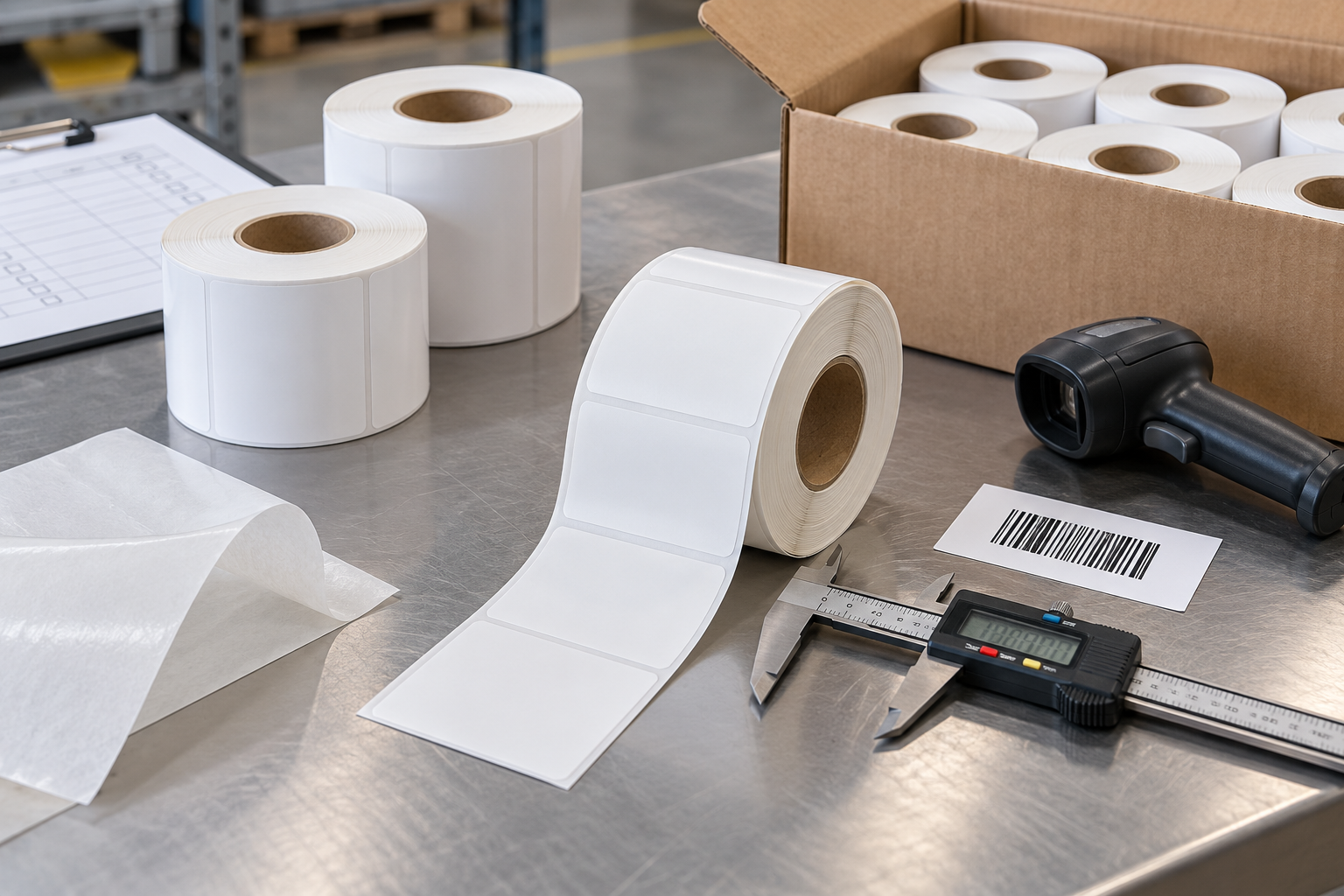
Calculate monthly use from actual orders, expected growth, promotional peaks, and a safety margin. Bulk purchasing can lower cost and reduce replenishment work, but storage conditions and cash flow still matter. Use consistent specifications for size, core, roll diameter, winding, and adhesive. bulk thermal label options can be included in a supplier comparison that considers delivery reliability and compatibility as well as unit price.
Build a Process That Can Be Taught
Scaling depends on repeatability. Document how to load labels, calibrate the printer, handle reprints, verify a package, and report a problem. Keep spare media and basic cleaning supplies in known locations. When every employee follows the same short workflow, thermal printing becomes more than faster output: it becomes part of a dependable fulfillment system that can support growth without sacrificing shipping accuracy.