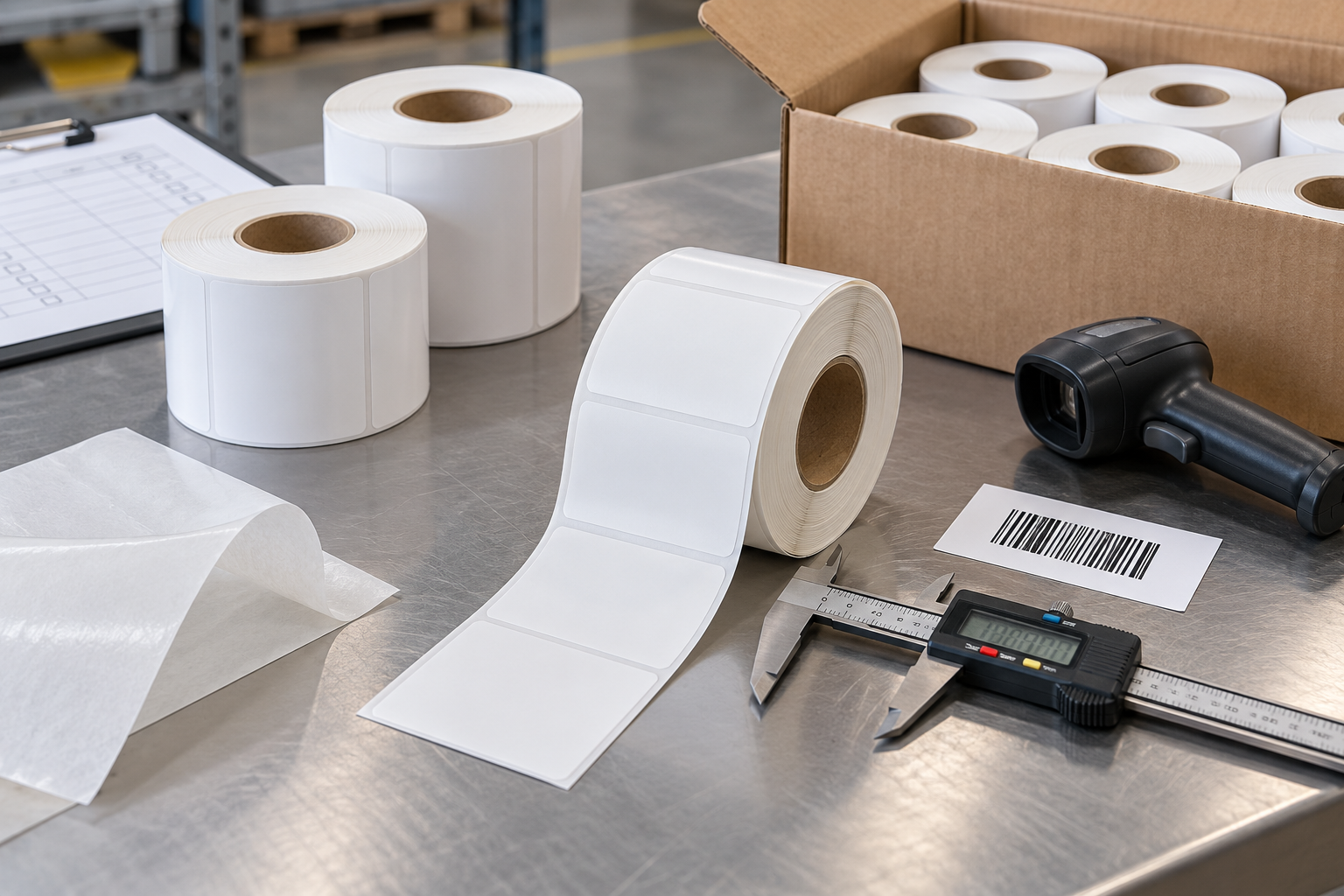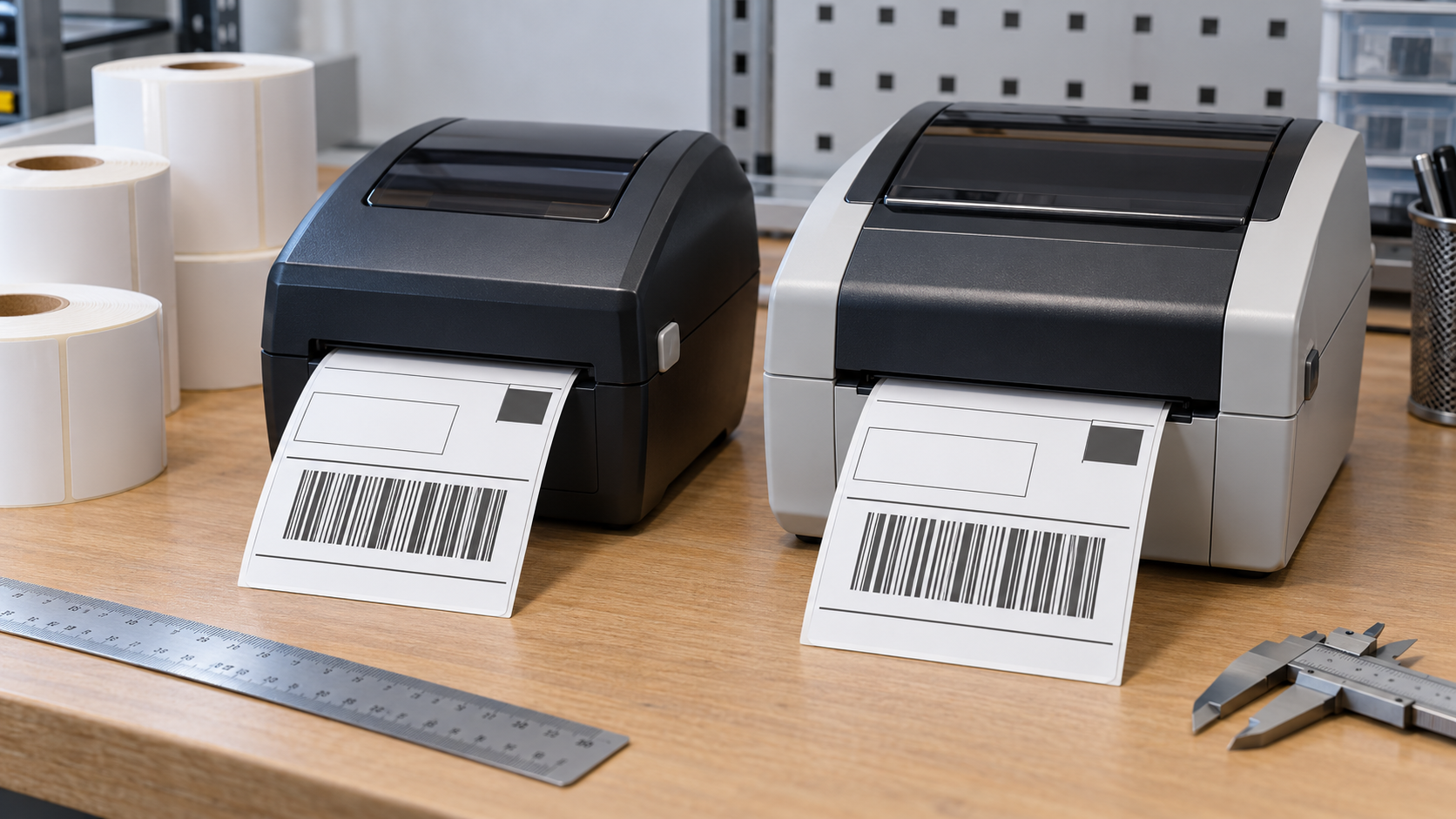
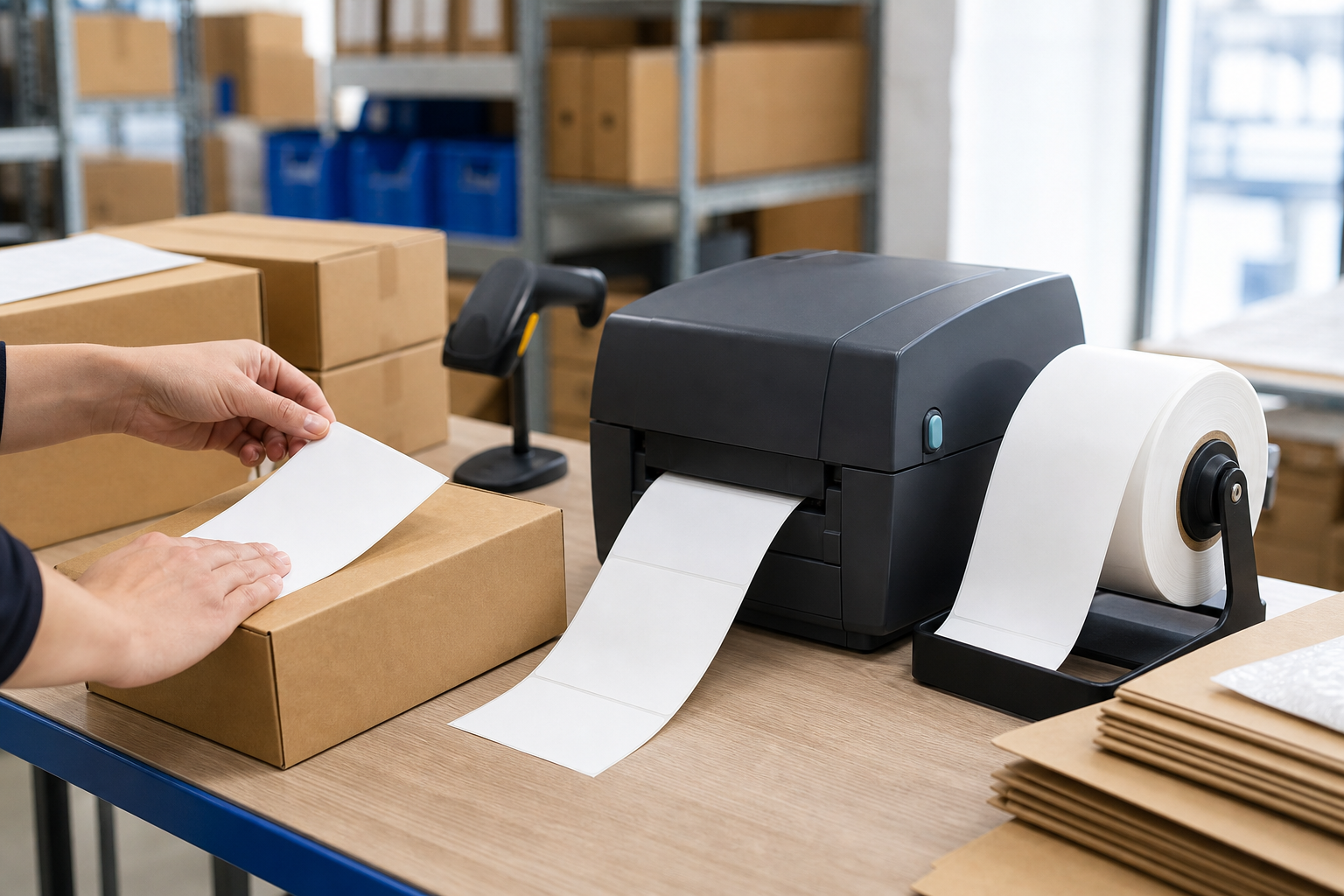
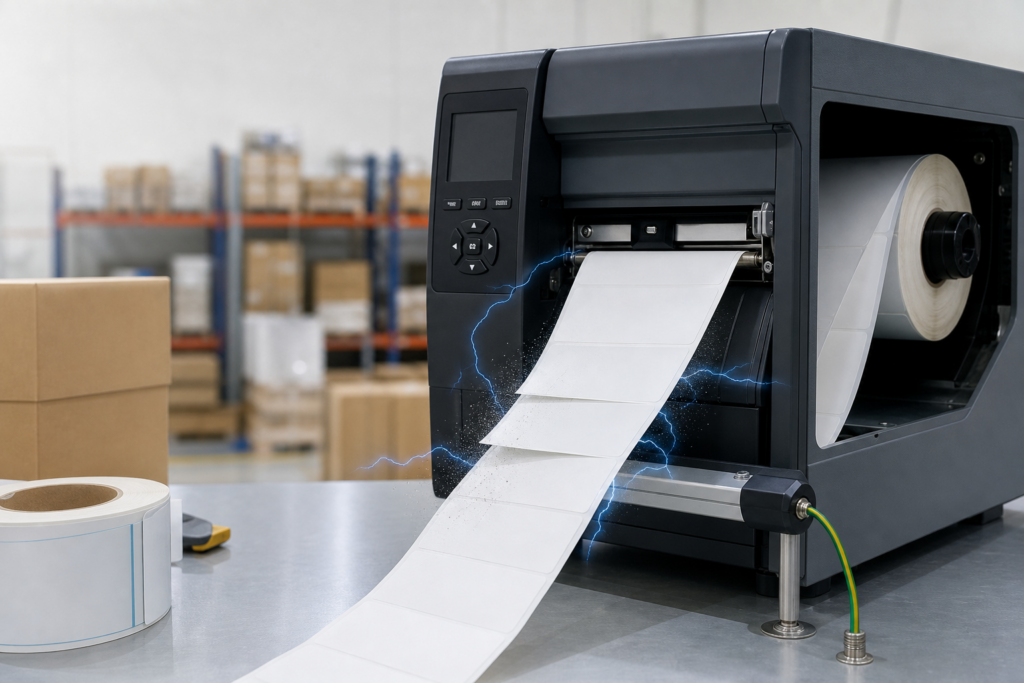
Prevent static problems by controlling humidity, grounding equipment, using appropriate antistatic devices, keeping the media path clean, and selecting label materials that match the printer and applicator. Static is most common with film facestocks or liners, dry air, high web speed, and repeated separation between the label and release liner.
Do not treat static as only an operator shock. Charge can make labels cling to liners or machine parts, attract dust, misfeed at a peel plate, interfere with label-present sensors, and damage sensitive printhead or electronic components. Identify where the charge is generated before adding equipment or changing materials.
How Is Static Generated in a Label System?
Static charge builds when two different materials contact and separate. Unwinding a roll, peeling a label from a silicone-coated liner, moving film over rollers, and sliding media through guides can all generate charge. Faster movement and a larger contact area often increase the effect.
Insulating materials retain charge because it cannot flow away easily. Paper with normal moisture content dissipates charge better than many dry films, but paper can also become troublesome in low humidity. The printer frame may be grounded while an isolated plastic web remains charged.
What Are the Common Symptoms?
Labels may stay attached after the peel edge, jump toward a metal surface, curl, double-feed, or stick to an applicator pad. The waste liner can wrap around a roller instead of entering the rewinder. Dust and paper fibers may collect on the web, printhead, sensor windows, or platen.
Operators may feel small shocks, and electronic controls can behave unpredictably after a discharge. A static issue often changes with season, shift, web speed, or material lot. Record temperature, relative humidity, line speed, and the exact failure point rather than reporting only that the printer jams.
Why Does Low Humidity Make Static Worse?
Moisture in the air and on material surfaces helps charge dissipate. In dry heated buildings or air-conditioned rooms, surface resistance increases and charge remains longer. Paper components may also lose moisture, curl, and become more brittle, creating several symptoms at once.
Maintain a stable operating environment within the ranges recommended for the printer and media. Do not direct a portable humidifier at rolls or electronics. Excess humidity can swell paper and affect adhesive or winding. Use controlled room humidification and verify conditions with a calibrated meter.
How Should Equipment Be Grounded?
The printer, applicator, rewinder, conveyor, and antistatic devices should be connected to a verified protective ground according to their manuals and local electrical requirements. Painted surfaces, loose clips, moving bearings, and plastic frames can interrupt the intended path.
Grounding conductive equipment helps charge flow away but may not neutralize an insulating label web. Do not install improvised wires near moving parts or high-voltage systems. Have qualified personnel verify grounding and bonding, particularly where flammable vapors, powders, or sensitive electronics are present.
When Are Ionizers or Static Bars Needed?
An ionizer or static bar introduces positive and negative ions that neutralize charge on an insulating web. Position it close to the problem area, such as immediately after label separation, without blocking the media path. Effectiveness falls with excessive distance, dirt, or poor air movement.
Select a device rated for the line speed, web width, environment, and installation distance. Follow cleaning and safety requirements. Measure static before and after installation if possible; moving the charge farther down the line is not the same as solving the source.
Can Material Selection Reduce Static?
Yes. Paper and film faces, glassine and PET liners, release coatings, topcoats, and adhesives can generate or retain different charge levels. A thin PET liner may support high-speed dispensing but require more static control. Antistatic treatments may help, but they must remain compatible with printing, adhesion, and compliance needs.
Test the complete thermal labels rather than one component. Material performance can change after storage, printing, or exposure to a cold, dry room. If substituting a liner, confirm sensor detection, release, web strength, and static behavior together.
How Do Cleaning and Dust Control Help?
Static attracts loose particles that can obscure sensors, create white print voids, scratch coatings, or increase platen wear. Clean the printhead, platen, guides, and sensor windows using the printer manufacturer’s approved method. Keep unused rolls sealed and boxed until they are acclimated and ready to load.
Do not use household sprays, oily antistatic products, or uncontrolled compressed air inside the printer. Residue can contaminate the thermal surface or adhesive, and high-pressure air can drive dust deeper into mechanisms. Use lint-free materials and the specified cleaning agent.
What Is a Practical Troubleshooting Sequence?
- Confirm the failure is linked to dry conditions, speed, material type, or the point where liner and label separate.
- Check verified grounding, clean the media path, stabilize humidity, and retest at normal and reduced speed.
- Measure or observe charge at several points, then trial a properly positioned ionizer or alternative material.
Change one factor at a time and keep the same print file. Otherwise a sensor adjustment, speed change, and material substitution can hide which action actually improved the problem.
What Should Be Discussed with the Supplier?
Give the label supplier the face, liner, adhesive, roll width, speed, peel angle, printer and applicator models, humidity range, and observed static symptoms. Ask whether the proposed materials have been used in similar high-speed or dry-environment applications.
Approve a converted roll during the driest expected conditions. Run enough labels to establish a stable charge pattern, not just a short startup test. Check dispensing, sensor operation, dust attraction, barcode quality, waste-liner control, and operator handling before authorizing the full order. Repeat the trial after the roll has acclimated and again near the core. Record humidity, speed, grounding condition, and ionizer settings so the result can be reproduced. If static returns only on one shift or machine, compare local airflow, cleaning practices, and equipment bonding before rejecting the entire material lot. Add the verified controls to routine setup and preventive-maintenance instructions for every affected workstation and printer model.