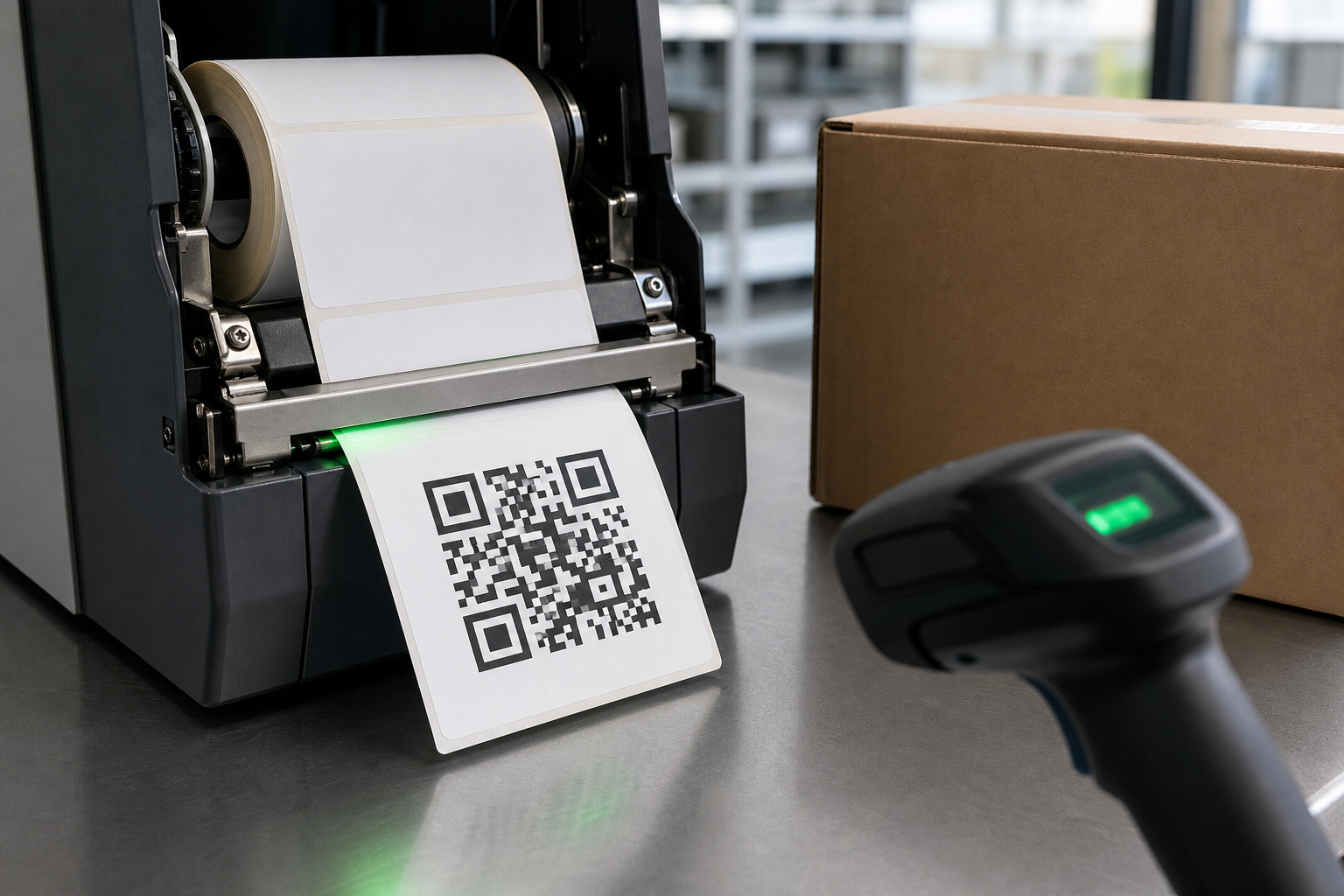
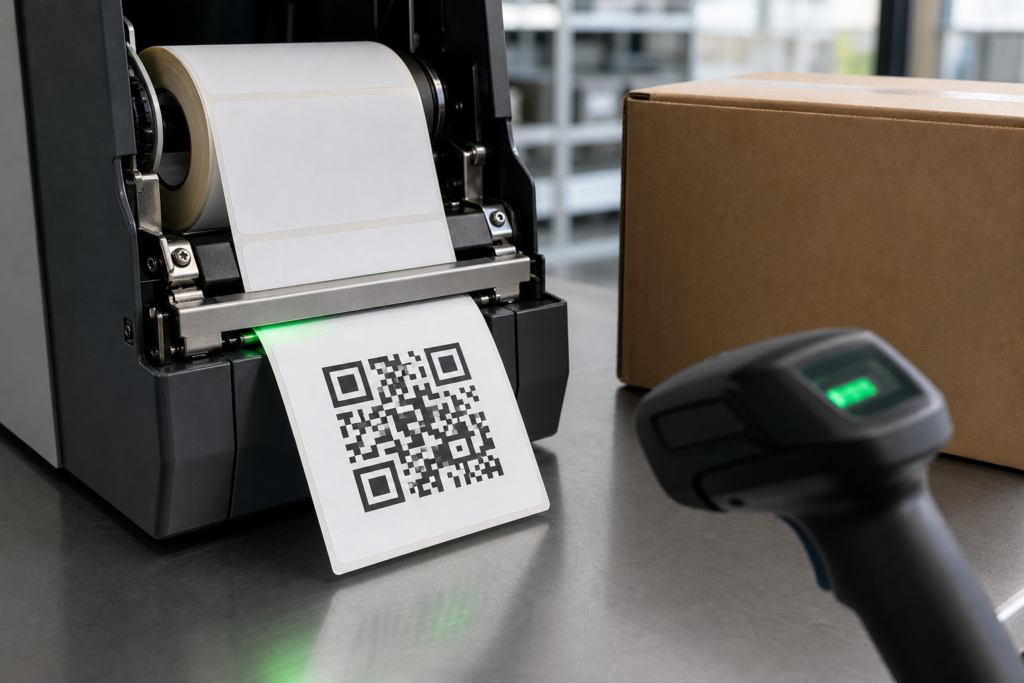
Print a scannable QR code on a thermal label by encoding only the necessary data, generating the symbol at a suitable physical size, preserving a clear quiet zone, using high contrast, and printing without non-proportional scaling. Test the applied label with the actual phones or scanners used in the workflow before producing the full run.
A QR code that works on a monitor is not automatically printable. Thermal resolution, module size, heat, speed, media, surface curvature, and damage all influence whether individual squares remain distinct. The goal is reliable decoding under real conditions, not the smallest possible code.
What Data Should the QR Code Contain?
Encode the shortest stable value that completes the task. A compact product ID linked to a database often creates a less dense symbol than a long URL with tracking parameters. Remove unnecessary spaces and characters, but do not shorten data in a way that breaks the destination or business process.
Choose the correct character encoding and test the decoded result. For web links, use a maintained redirect that can be updated without reprinting labels. For inventory, include only the fields the receiving system expects rather than a human-readable sentence.
How Large Should the QR Code Be?
Size depends on the amount of data, error-correction level, print resolution, scan distance, and scanner quality. Each module must be represented by enough printer dots to remain square and separate. Dense codes require either smaller modules or a larger overall symbol.
Start larger than the theoretical minimum and reduce only after verification. Small product labels often benefit from 300 dpi, but enlarging a 203 dpi symbol can be equally effective. Keep the code square and never stretch only one dimension.
Why Is the Quiet Zone Important?
The quiet zone is the blank border surrounding the symbol. It allows the scanner to identify the QR code boundary. Text, borders, cut lines, logos, package graphics, and label edges should not enter this area.
Preserve the quiet zone after printing and application, not only in the design file. A white margin that is folded over a package edge or covered by dark tape no longer performs its function. Use a label large enough for both the code and its blank border.
Which Colors and Backgrounds Work?
Black modules on a clean white background provide the safest contrast. Avoid reflective, patterned, transparent, or dark backgrounds unless the complete construction has been verified. Reversed codes with light modules on a dark field are less forgiving in many scanning systems.
Direct thermal printers normally create black images, which suits QR codes well. Use smooth thermal labels that darken evenly. Preprinted colors must stay outside the code and quiet zone unless testing proves they do not reduce contrast under the scanner’s illumination.
What File Format Should You Use?
Use vector output or a barcode object generated directly by label software whenever possible. Vector artwork can be rasterized for the exact printer resolution. If a bitmap is required, generate it at the final size and resolution rather than enlarging a small web image.
Avoid screenshots, JPEG compression, anti-aliasing, blur, shadows, rounded modules, and decorative effects. QR modules should have hard edges aligned to the printer’s dot grid. Export and print without a second application resampling the image.
Which Printer Settings Produce Clean Modules?
Start with the media recommendation for speed and darkness. Inspect the small squares with magnification. Pale output, missing dots, or broken finder patterns indicate insufficient energy, high speed, contamination, or unsuitable media. Swollen modules and closed white gaps indicate excessive energy.
Clean the printhead and platen according to the printer instructions. Do not increase darkness indefinitely to compensate for a damaged printhead. A vertical line of failed elements can cross the entire QR code and exceed the selected error correction.
How Should Error Correction Be Selected?
QR codes include error correction that helps recover data when part of the symbol is damaged. Higher levels increase resilience but also add modules, making the code denser or larger. Use the level required by the application rather than automatically choosing the maximum.
Error correction is not permission to cover the center with a logo or print on a poor surface. Operational labels need margin for dirt, abrasion, wrinkles, and low-quality cameras. Keep the full symbol unobstructed whenever reliability matters.
How Does the Package Surface Affect Scanning?
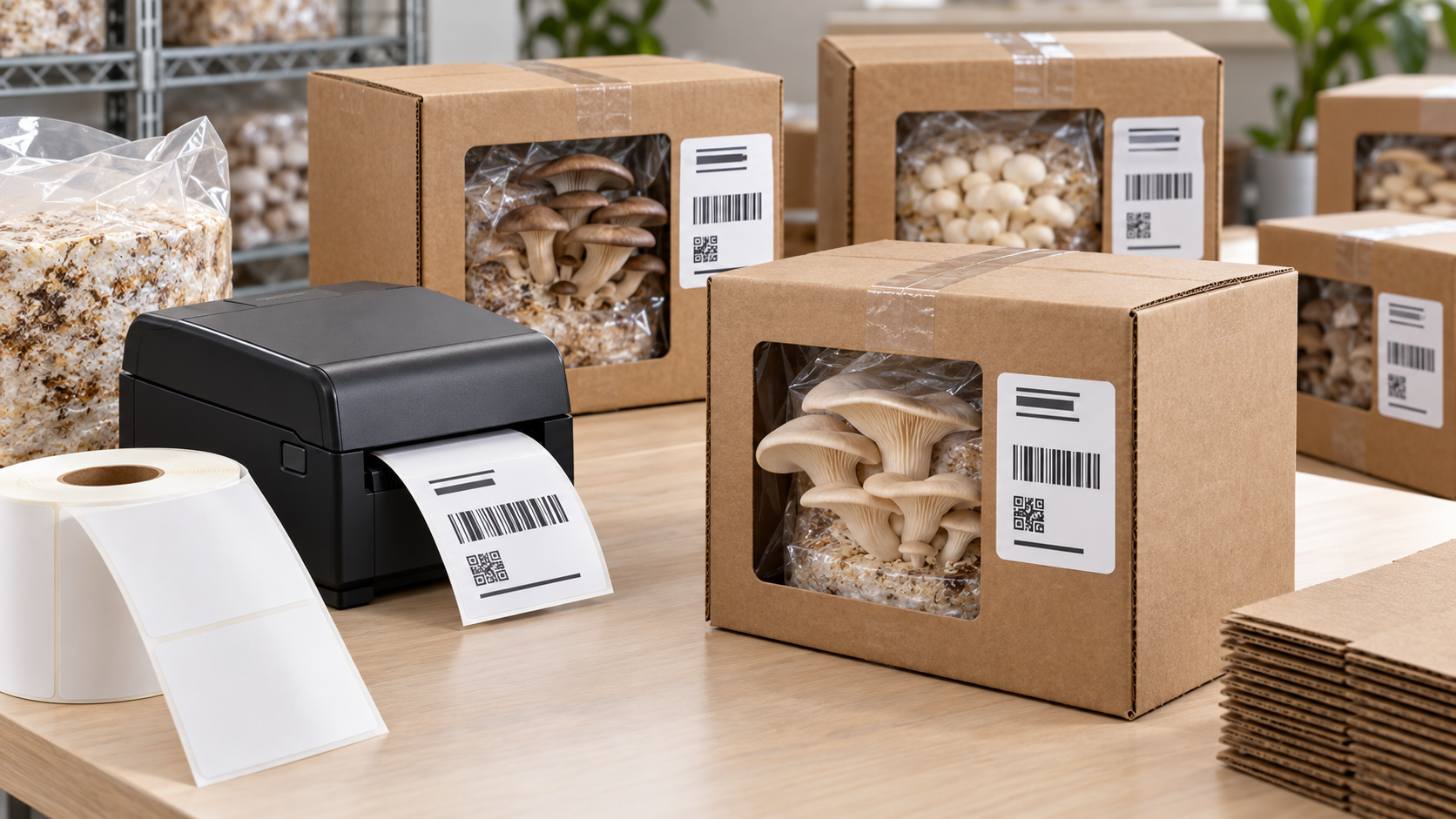
Apply the code to a flat area with firm, even pressure. Curvature changes the angle and apparent shape of modules; wrinkles create shadows; glossy overlaminates can add glare. For small bottles, choose a code size and orientation verified around the actual diameter.
Test after filling flexible packages because their shape changes. Keep the symbol away from seams, corners, caps, and areas handled repeatedly. If moisture or abrasion is expected, choose a durable facestock or thermal-transfer construction instead of relying only on error correction.
How Do You Test a QR Label Properly?
- Print worst-case data at the final size and settings.
- Apply the label to the actual product or package.
- Scan with every important device and software application.
- Test normal, low, and angled lighting at realistic distances.
- Repeat after storage, handling, moisture, cold, or abrasion exposure.
Verify the decoded value, not just the appearance of a successful scan notification. Test multiple labels across the roll and more than one production batch. A single perfect sample cannot reveal coating variation or intermittent printhead defects.
What Should Be Included in the Specification?
Record the data format, QR version or maximum data length, error correction, physical size, quiet zone, printer resolution, speed, darkness, facestock, adhesive, surface, and acceptance test. Lock the artwork so operators cannot resize it independently.
Give the label supplier the printer and environmental requirements and request production samples. Final approval should require successful decoding after application under real conditions. If failures occur, enlarge the modules, reduce data, improve contrast, correct heat and speed, or move the label before buying a more expensive printer.
Retain an approved printed sample and the original digital format so future batches can be compared after software, media, or printer changes.