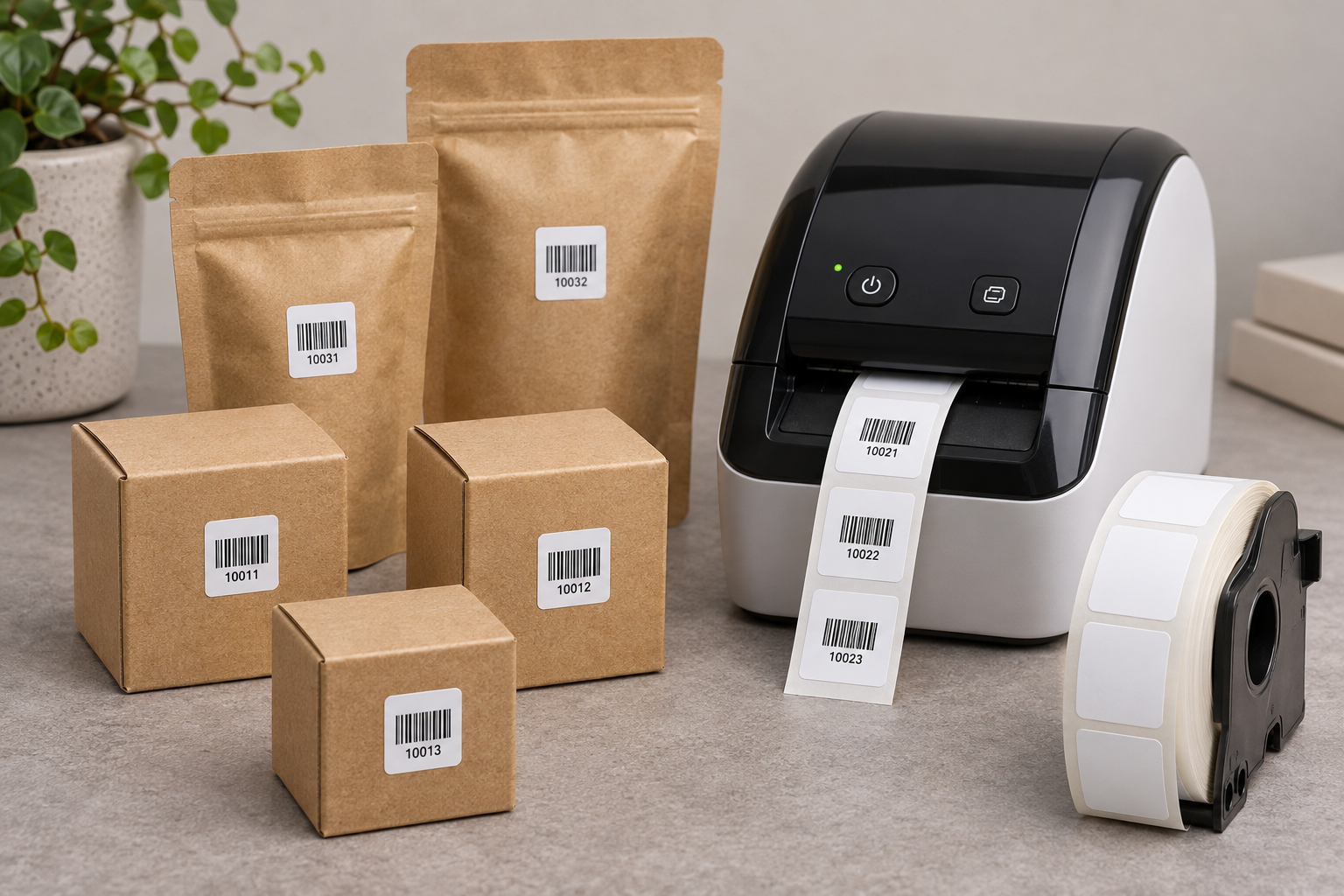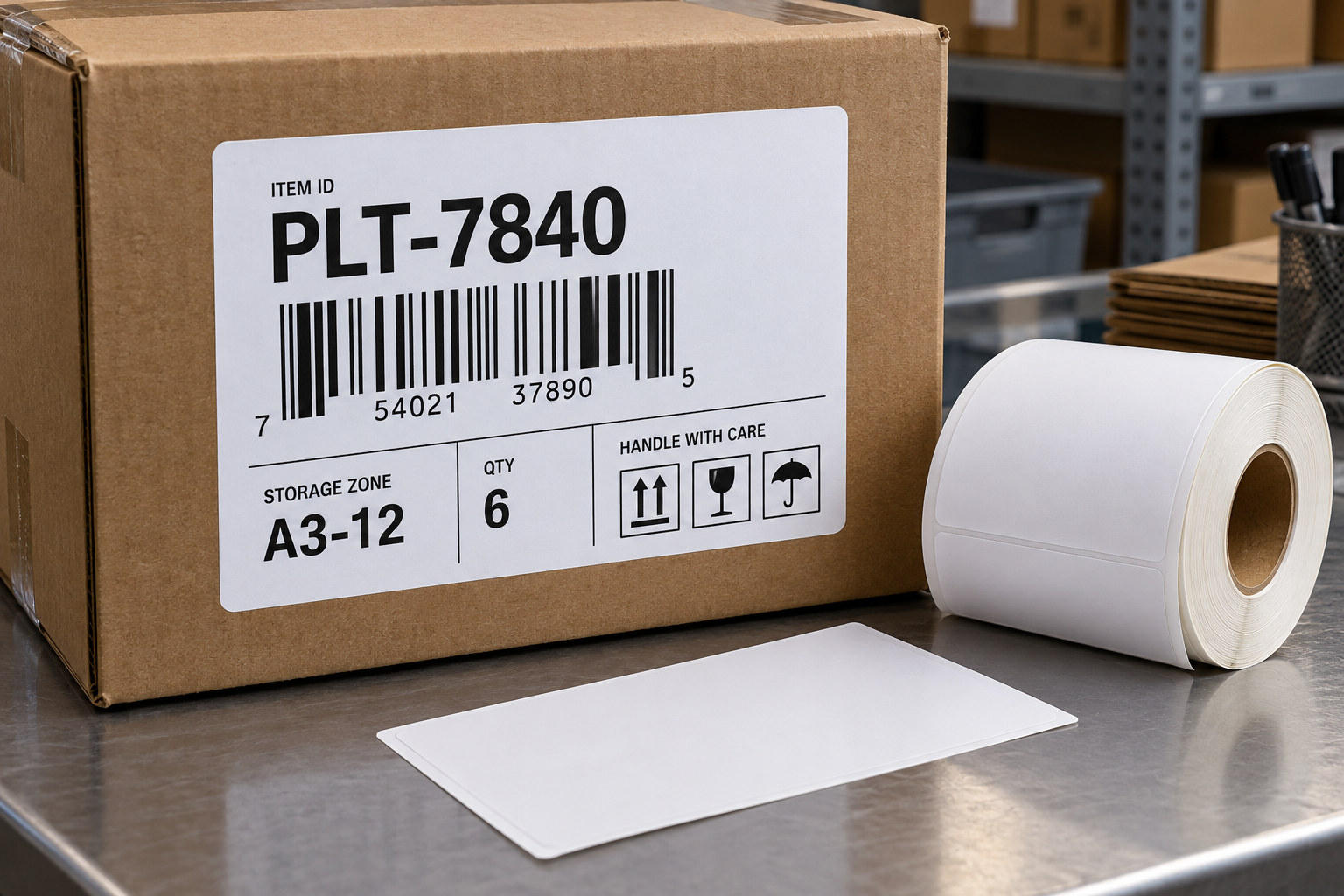


First in, first out inventory control works when staff can quickly identify which stock should be used or shipped next. A 2.5 x 1 inch direct thermal label can show a receipt date, lot, and short item code on a carton or bin, but it should not replace the inventory system’s allocation rules. The label must make the correct decision obvious at the shelf and remain readable through the expected storage period. A date printed without a clear definition can create confusion rather than improve rotation.
Define which date drives the rule
Receipt date, production date, expiration date, and best-before date are not interchangeable. Choose the date that the operation actually uses for rotation and state it explicitly on the label. For ordinary nonperishable stock, receipt date may support FIFO. For products with shelf-life requirements, first-expiring first-out may be the correct rule instead. Follow the product’s handling requirements and any applicable regulations rather than applying a generic FIFO rule to every category.
Use an unambiguous date format. A numeric date such as 04/05/26 can mean different days in different regions. A format with the month spelled out or an ISO-style year-month-day sequence reduces ambiguity. If several sites use different time zones or receiving dates, define when the date is assigned and whether a transfer retains the original receipt date. The answer should be documented in the inventory process, not improvised by the person printing labels.
The 2.5 x 1 direct thermal labels product page describes a multipurpose format. Check its roll configuration, printer compatibility, and intended surface before ordering. This size has room for a clear date and short identifiers, but it cannot carry a complete history of the stock unit.
Identify the physical unit being rotated
Decide whether the label belongs on each carton, a pallet, a tote, or a shelf position. A pallet label may be insufficient if cartons are later split across locations. A shelf label may become wrong when new stock is put in front of old stock. For controlled rotation, each movable unit needs an identifier or the system needs a reliable way to track the units inside a larger container.
Put the item or lot code and the rotation date in a consistent order. If the system supports scanning, encode a short handling-unit ID and let the application retrieve the full record. The printed date remains useful for a quick visual check, but the scan should confirm the intended unit and allocation status. Avoid a barcode that represents only the SKU when several lots of the same SKU are stored together; that code cannot distinguish which lot was picked.
If the stock is repacked, transferred, or partially consumed, define how the original rotation date follows it. Printing a fresh receipt date during repacking can make older stock appear newer. Preserve the original relevant date in the system and on the new label when the process requires it. Record the quantity change so a partially used carton is not mistaken for a full one.
Design for a fast shelf decision
Create the template at 2.5 by 1 inch and print at actual size. Make the rotation date the most visually prominent field if that is the key picking decision. Keep the item or lot code readable and leave the barcode’s quiet zone clear. Avoid a decorative border or several lines of tiny text. Test the longest lot code and the largest date text before approval.
Choose a placement that remains visible when cartons are stacked. The label should be on a flat face, away from tape seams and folds. A date hidden against the rack wall cannot guide rotation. If the warehouse uses dedicated lanes or flow racks, place the label where the picker can see it at the pick face. If cartons are randomly stored, use scanner confirmation to prevent a visually similar carton from being selected.
Print sample labels on the production printer and scan them with the normal device. Check that the returned record shows the same date and lot as the physical text. If they disagree, stop and resolve the data mapping before moving stock. A scannable label with a wrong underlying date can create a systematic rotation error.
Make storage and replenishment support FIFO
Labels cannot fix a shelf layout that makes newer stock easier to reach. During replenishment, move or position units so the older eligible stock remains accessible. If moving cartons is impractical, the system should guide the picker to the correct location and require a scan of the selected unit. Train staff on what to do when the expected older stock is missing or damaged; they should not silently choose the next carton without recording the exception.
Audit a sample of locations after replenishment. Compare the physical order of units, printed dates, and system records. Look for newly received stock placed in front of older units and for duplicate labels on reused cartons. Remove old identifiers when a carton is repurposed. A clear label is useful only when it corresponds to the contents currently inside.
Test durability and investigate failures
Direct thermal images can be affected by heat, sunlight, friction, and some chemicals. Test the longest expected storage period and the actual environment. A label for a fast-moving dry warehouse may not be suitable for a freezer, washdown area, or long-term outdoor storage. If the image is likely to fade before the stock is used, select a more durable material or print method.
When rotation fails, separate the causes. Was the date missing or unreadable? Was the carton placed in the wrong physical order? Did the system allocate the wrong lot? Did a worker skip the scan? Each needs a different correction. Compare broader direct thermal labels options if size or durability is the problem, but fix data and process errors at their source. A 2.5 x 1 label supports FIFO when the date is defined, the unit is uniquely identified, and the warehouse process consistently uses both.