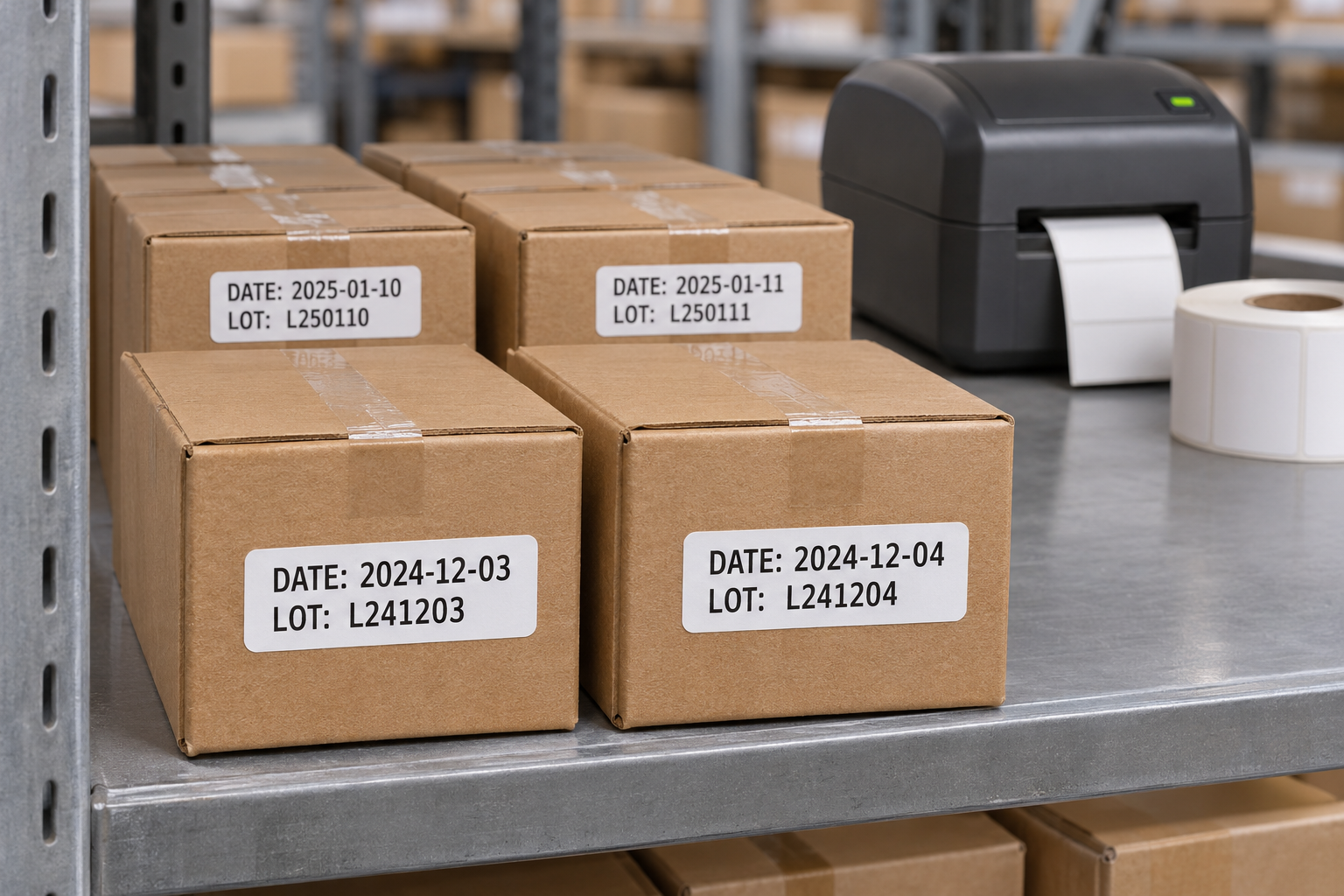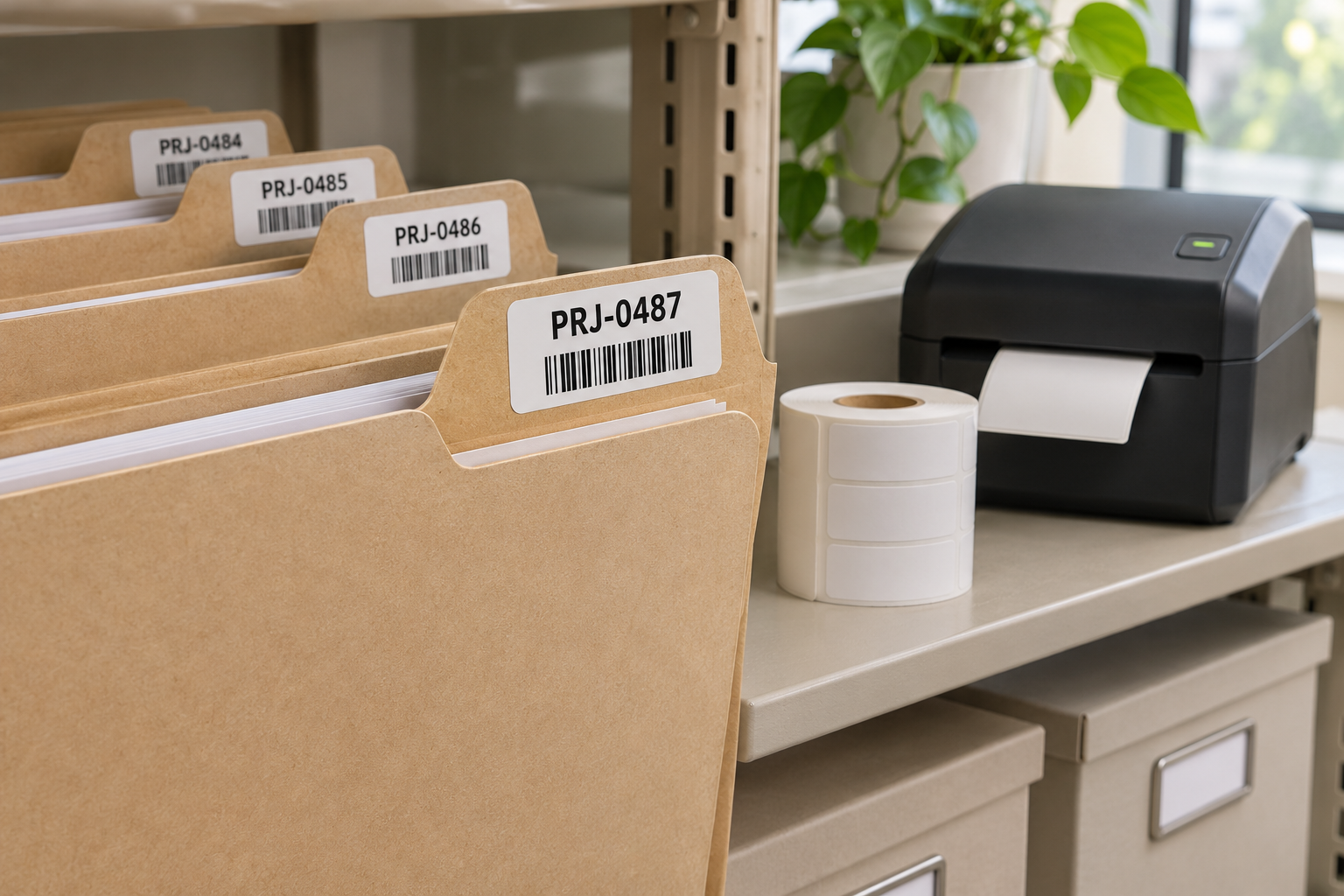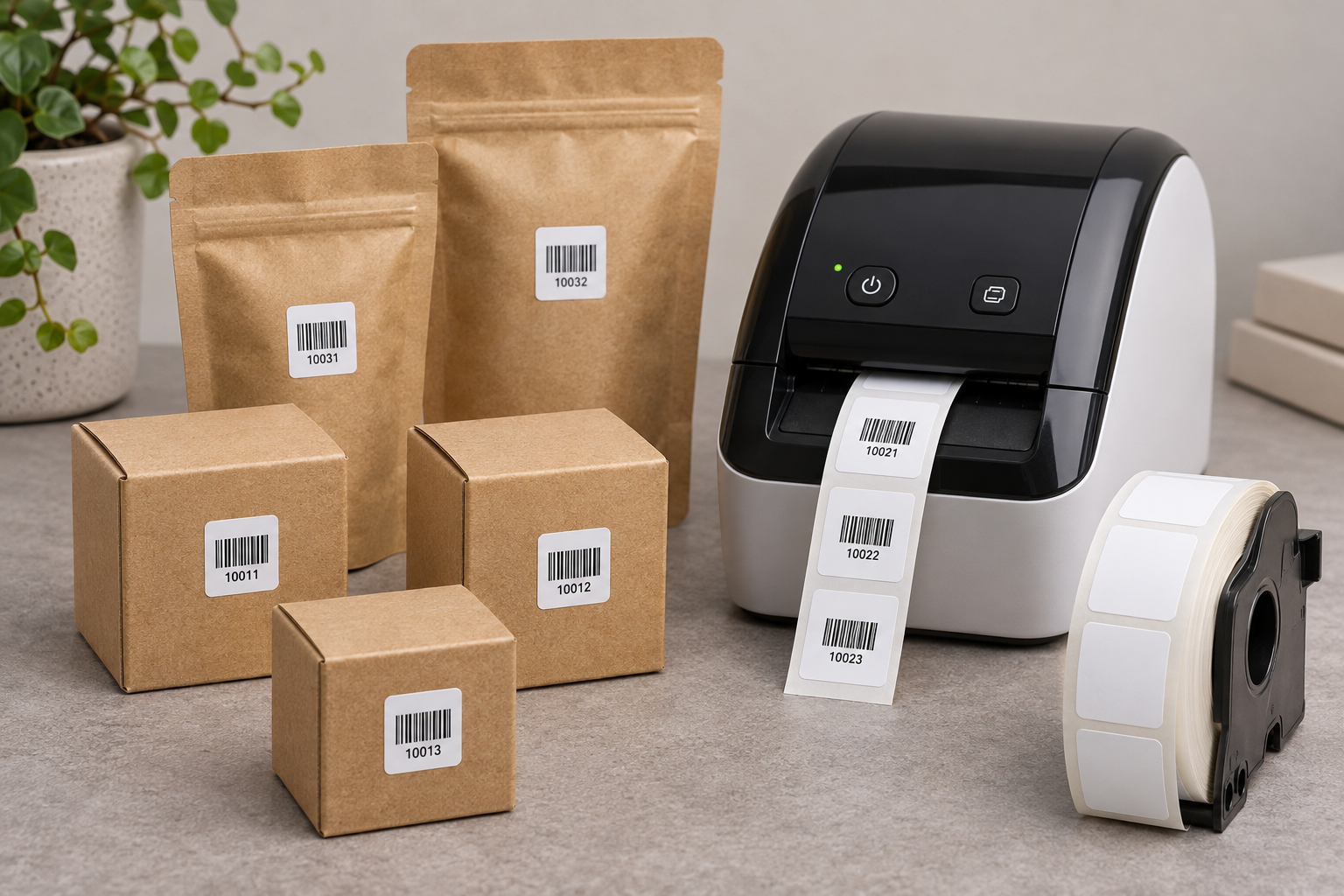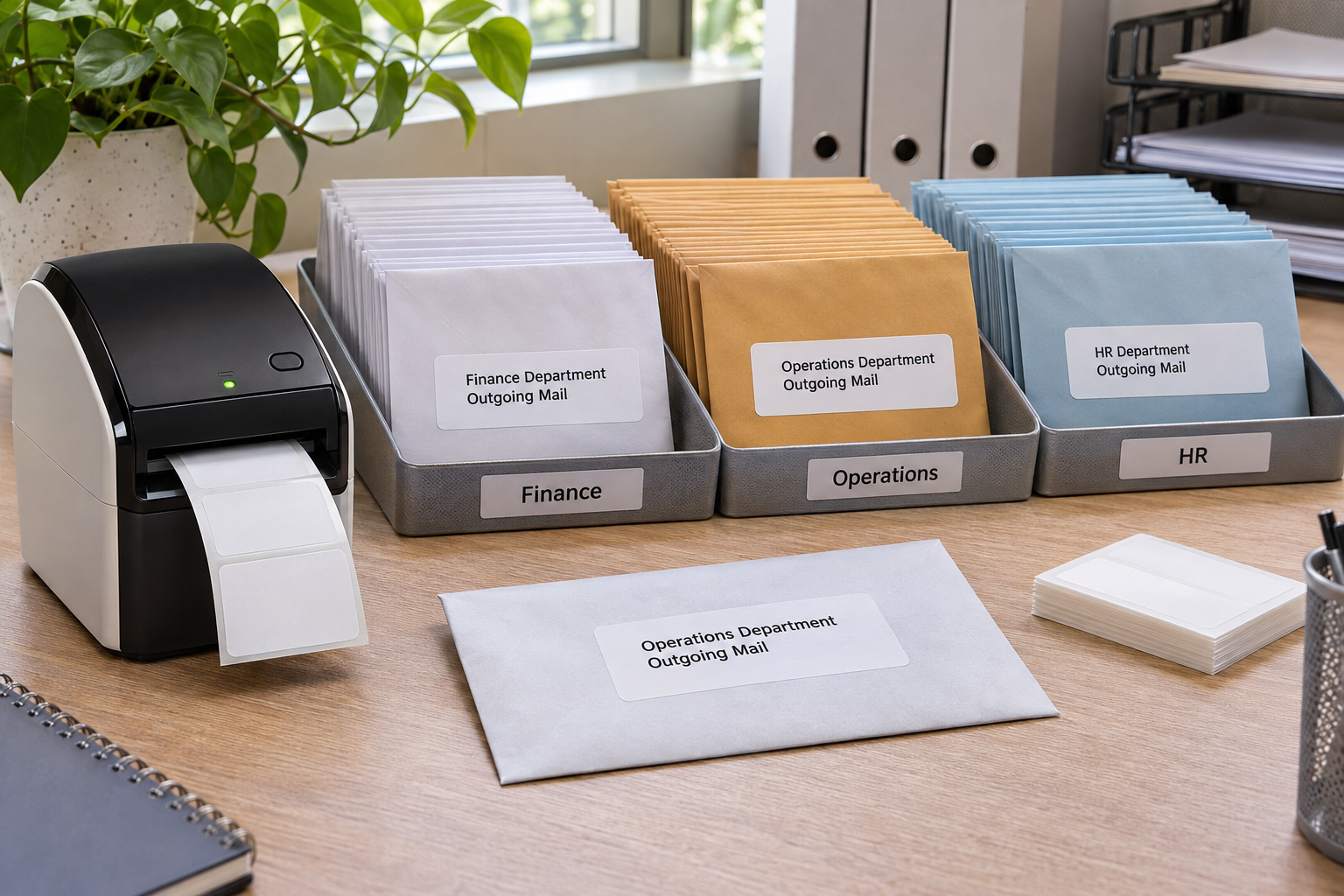
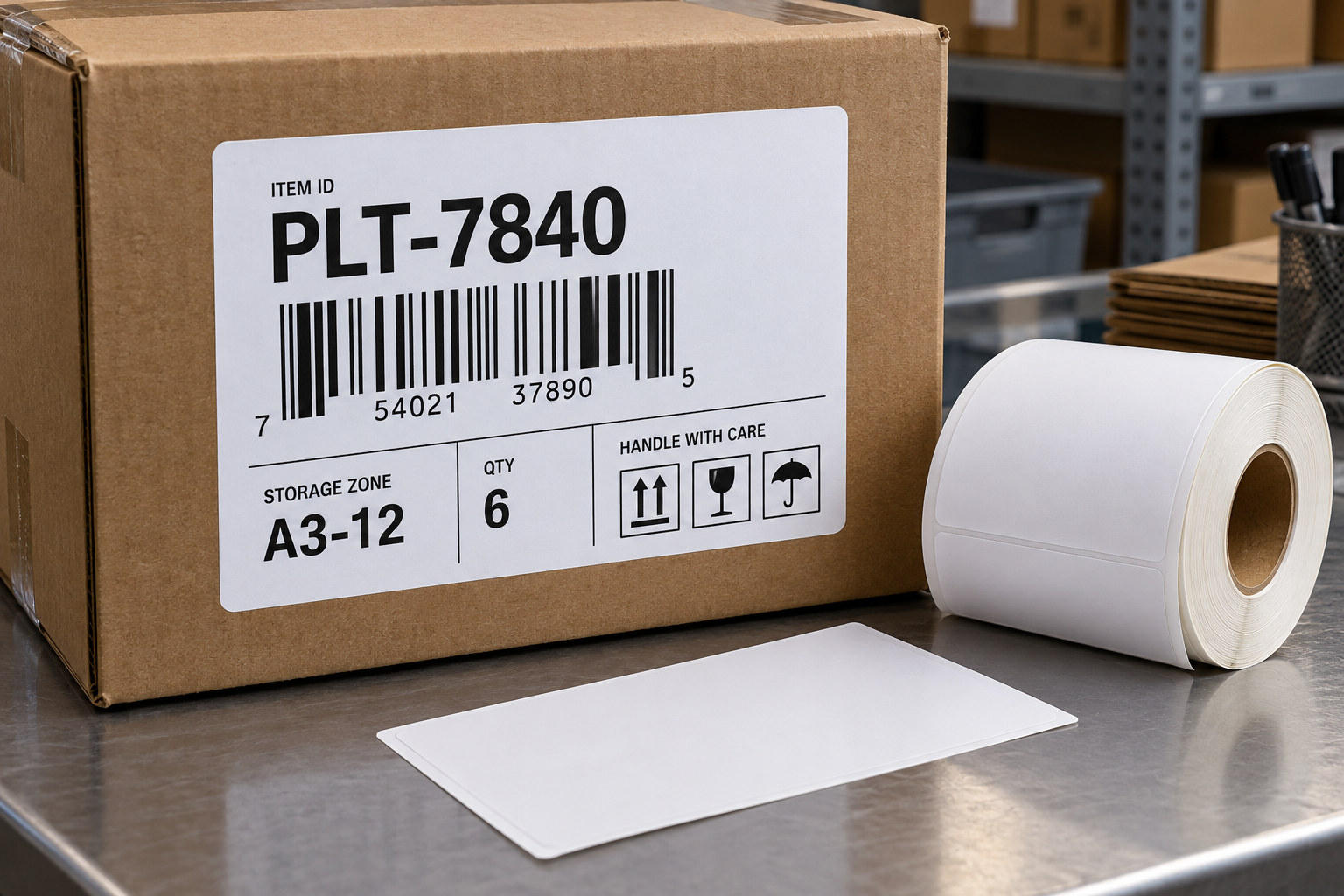
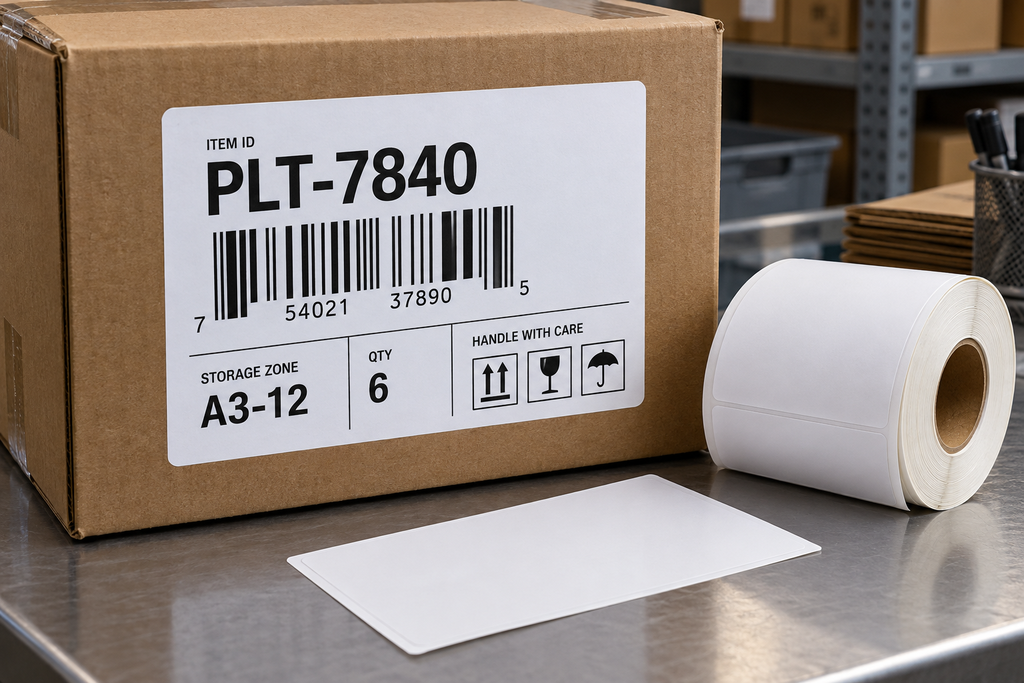
Choose an extra-large DK-1247-style label when your internal package or warehouse workflow genuinely needs more printed area than a standard 4 by 6-inch label. The Betckey compatible product is listed at 4.07 by 6.4 inches. That additional height can help separate a prominent item identifier, a barcode, and handling instructions. It should not be treated as a universal upgrade for carrier labels: a carrier may require an exact 4 by 6-inch layout, and printer compatibility must be checked first.
Identify who will read the label
Start with the people and systems that touch the package. A picker may need a large order number, a packer may need a contents check, and a receiving station may scan a barcode. If all three requirements are squeezed into the same visual area, errors increase. Use the extra space to create a clear hierarchy: the primary identifier at the top, machine-readable code in a quiet area, and a short handling instruction below. Do not fill every inch simply because it is available.
For oversized cartons or pallets, the label may be viewed from several feet away. Print a sample and test it at that distance under normal warehouse lighting. A large paper sheet with small type does not solve a visibility problem. Increase the type size and reduce nonessential copy. If the package already carries a carrier label, position the internal label so it cannot be mistaken for the official shipping barcode.
Confirm the printer and template
DK-1247 is a wide die-cut format. Confirm that your exact Brother QL model supports media around four inches wide. A narrow QL machine cannot feed the roll, regardless of software settings. Match the printer’s supported media list with the dimensions on the exact product listing. Product nomenclature and regional descriptions can vary, so measure a sample when exact fit matters.
Create the artwork at the roll’s real dimensions. Do not start with a 4 by 6-inch design and assume that a slightly larger label will align automatically. Set margins intentionally, especially around the barcode. Print at actual size. Inspect the first few pieces for consistent feed and cut position. If the printer reports a media mismatch, check the cartridge frame and selected die-cut profile before adjusting the artwork.
Validate the barcode and adhesion on the real carton
Use the longest identifier expected in production. Scan the printed code with the target scanner at normal handling speed. Then place the label on a representative carton. Avoid corrugated seams, corners, stretch-wrap folds, and tape edges. Press the full label down. Check whether its larger area stays flat when the carton flexes. A bigger label may be easier to read but can also be more vulnerable to wrinkling when applied over an uneven surface.
If cartons are dusty, cold, or damp, test adhesion in those conditions. Do not assume ordinary paper direct thermal stock is suitable for prolonged outdoor exposure or long storage under heat and light. If the print must last for months or survive abrasion, evaluate a more durable construction or printing method before standardizing the workflow.
Can a larger label reduce picking mistakes
Yes, when the additional area is used to make the correct item or destination more obvious. Place the identifying field where a worker naturally looks first and use a type size that works at the normal viewing distance. Keep unrelated notes out of the primary area. If multiple barcodes are present, label each one’s function and place the required scan code consistently. A larger label covered with competing data can be slower to use than a small, well-organized one.
What if the carton surface is uneven
Find the flattest uninterrupted panel. Do not bridge a seam, tape ridge, corner, or stretch-wrap fold with a barcode. A large die-cut sheet can wrinkle if applied to a bowed carton, especially when one edge is pressed down before the rest. Apply from one side while smoothing across the surface, then inspect the entire perimeter. If the package offers no sufficiently flat space, reduce the label format or use a tag or another attachment method that has been tested for the workflow.
How should an extra-large label be piloted
Print representative labels with the longest SKU, largest quantity, and most detailed handling instruction. Use the exact printer and software that production staff will use. Scan before and after applying the labels. Then run the labeled cartons through normal handling, storage, and movement. Record whether labels lift, wrinkle, obscure other markings, or get mistaken for carrier labels. Only after this pilot should the team standardize the template and purchase in volume. The extra surface area should demonstrate a measurable reduction in errors or reading time.
Example of a large label that does not help
A fulfillment center replaces a 4 by 6-inch internal label with a DK-1247-sized sheet because pickers report mistakes. The new label is larger, but it still places the order number, item SKU, and quantity in the same small type at the bottom. Errors do not improve. A revised layout moves the item SKU to the top in large type, gives the scan barcode a clear dedicated area, and moves secondary notes below. Staff test the new design on real cartons and report faster identification. The lesson is that size provides room for hierarchy, but layout determines whether people can use that room. Measure the process outcome before buying more stock.
Final approval question
Watch a picker use the label without coaching. Can they find the correct identifier immediately, scan the intended barcode on the first attempt, and tell it apart from a carrier label? If not, alter the hierarchy or placement before purchasing a full case of stock. A bigger sheet has value only if it reduces reading time and errors in the real handling environment.
Know when not to use it
Do not substitute DK-1247 for an exact-size carrier template without approval and testing. Do not choose it because it is larger when the label will wrap around a small package. Do not use it to hide an unclear data process; if two barcodes compete for attention, remove or label the unused one. The DK-1247 extra large labels listing describes a 4.07 by 6.4-inch compatible format with 180 labels per roll. Compare other direct thermal labels when a different size better matches the package and printer.