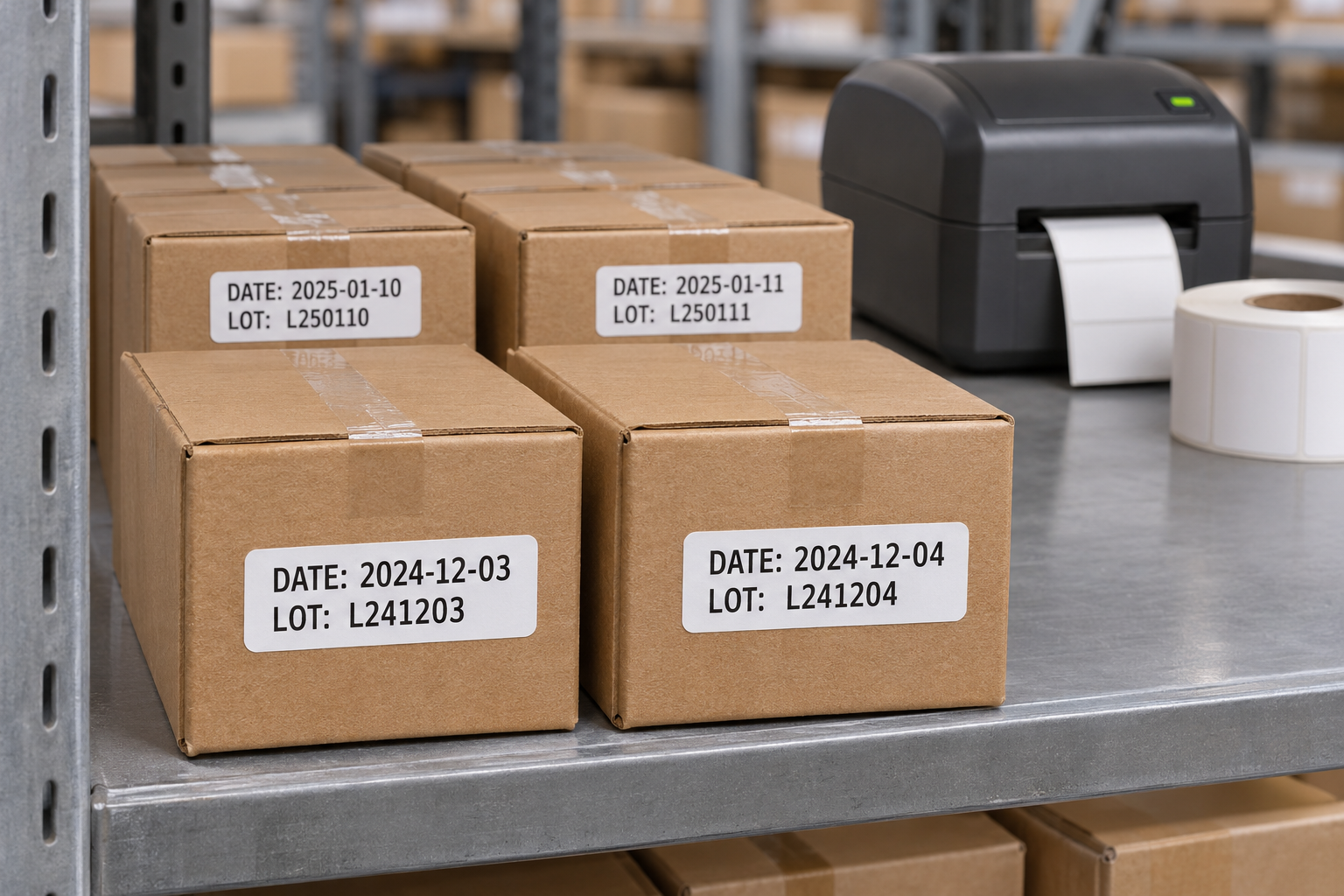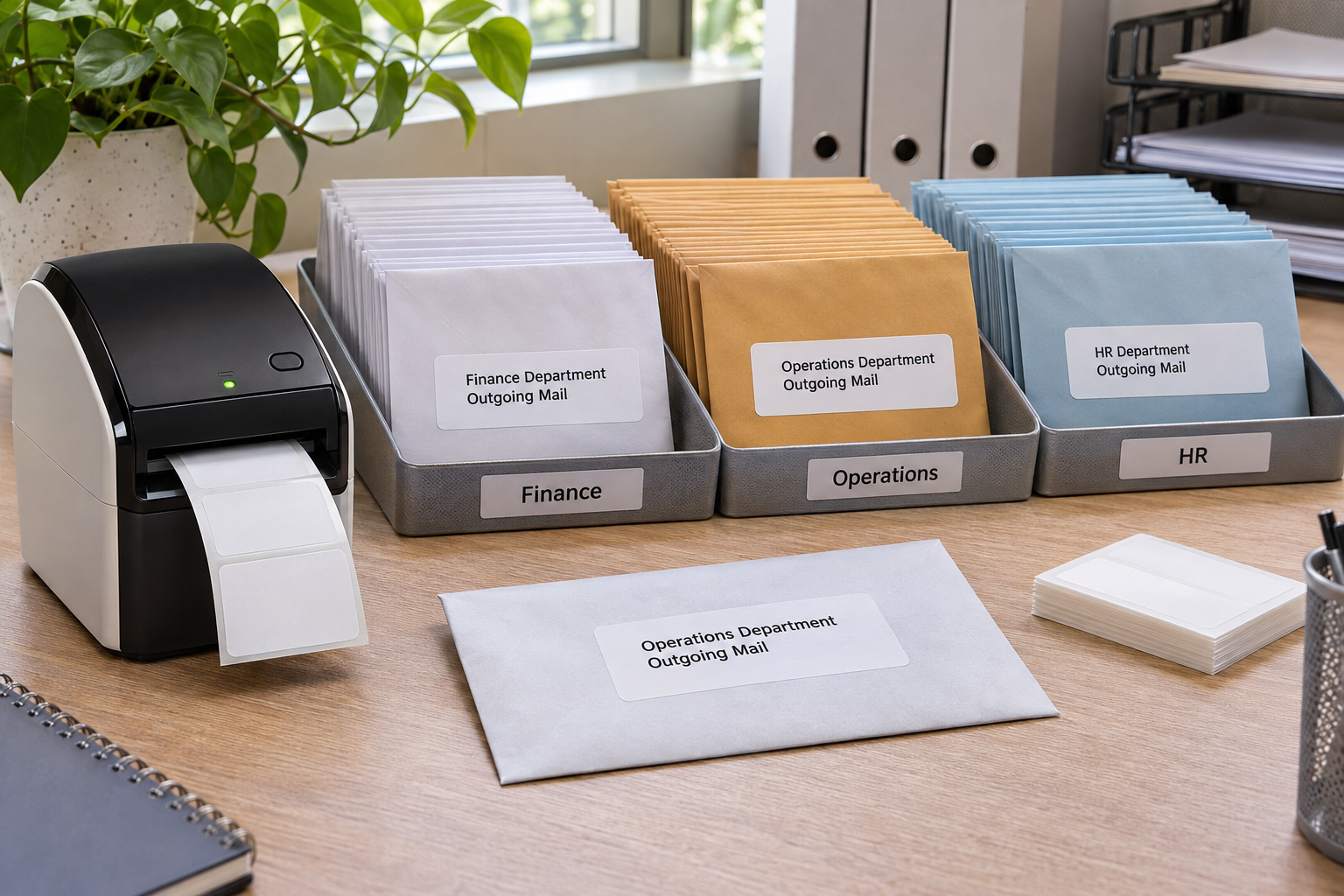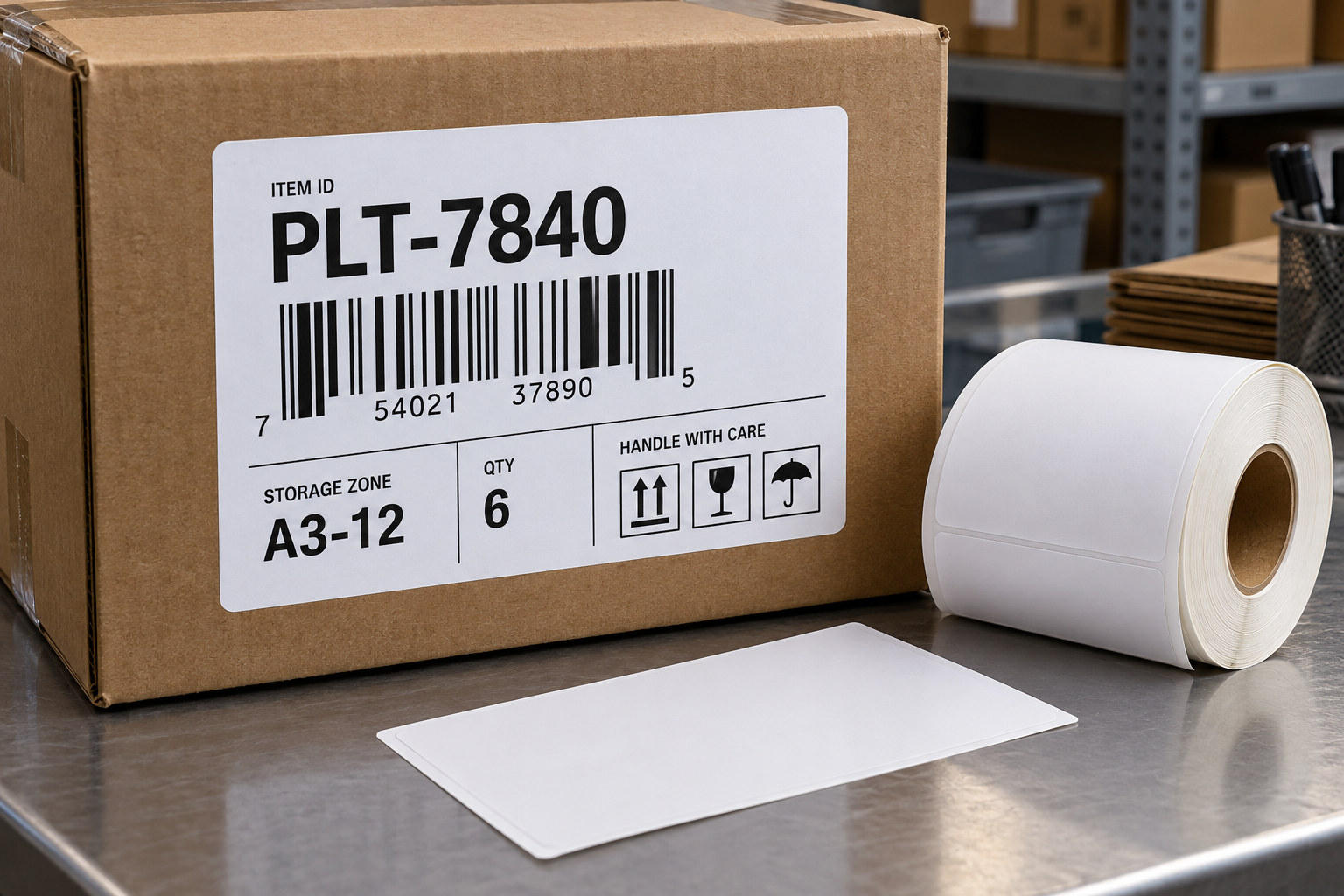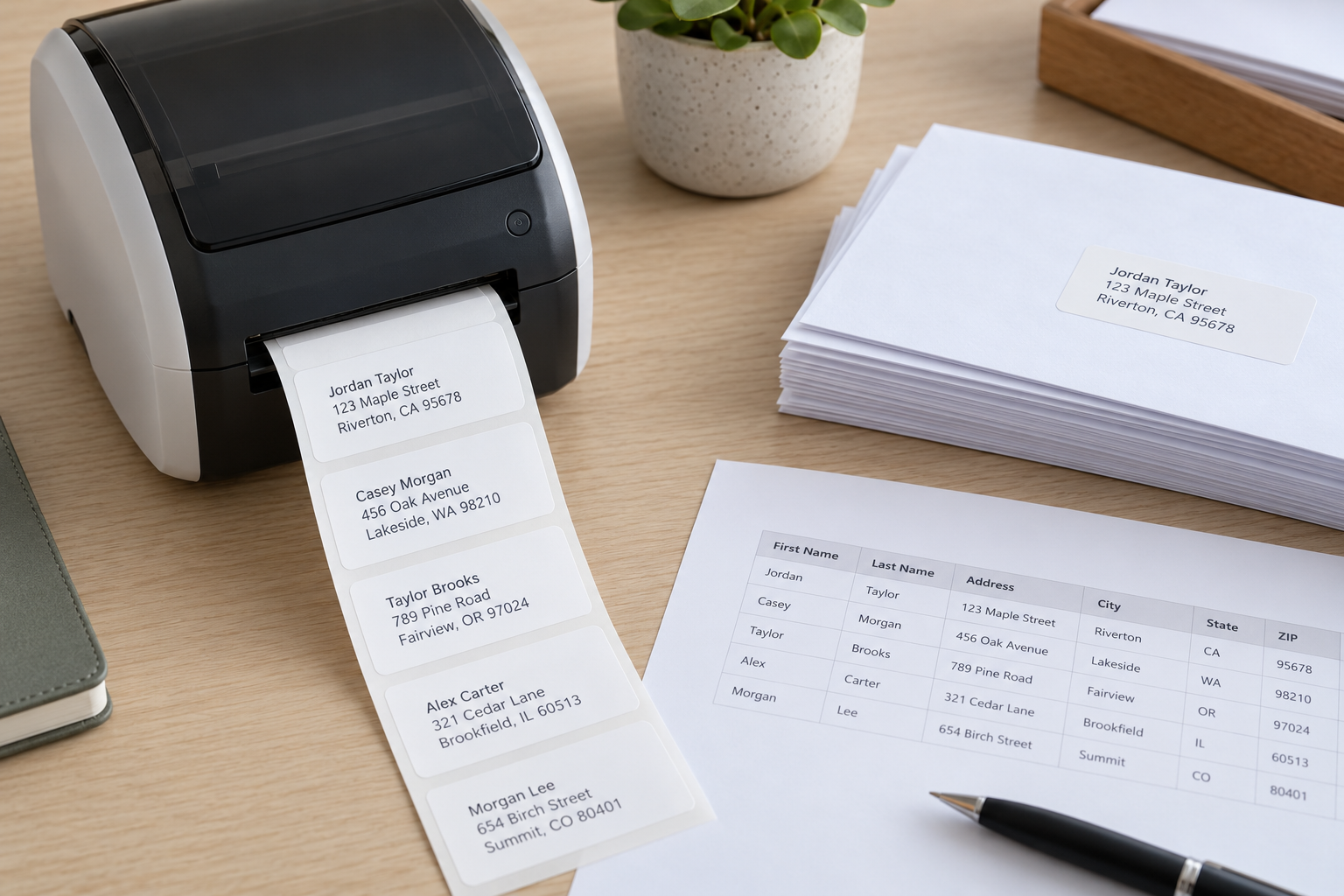
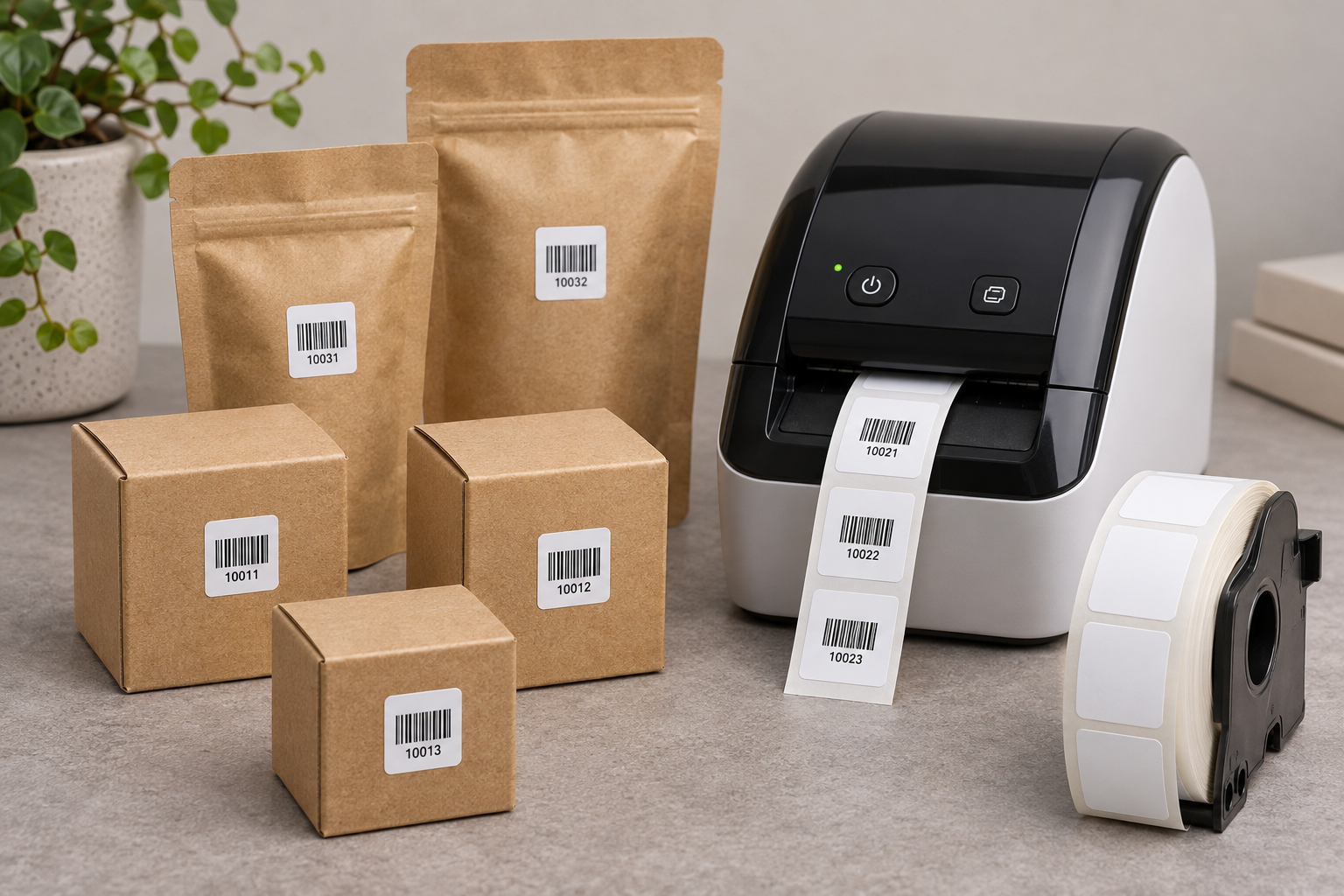
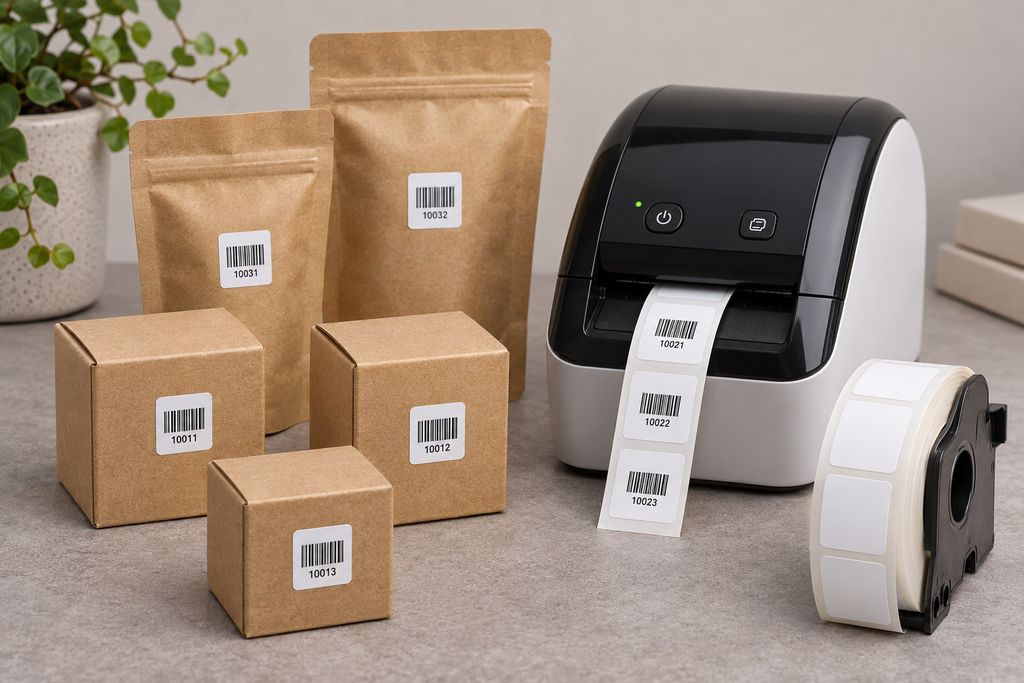
A small square label can make a product package easier to identify, but only if it carries a limited amount of information. DK-1221 compatible stock is approximately 0.9 by 0.9 inches. That space is well suited to a short SKU, a compact symbol, or one clear status, not a full product description, price, batch record, and barcode together. Start with what a customer or worker must do at the label’s location, then test the printed piece on the real package.
Choose one primary job for the square
If the label is for internal picking, a short item code may be enough. If it is for checkout, a scanner-readable code may be the priority. If it marks a variant, a concise word such as SMALL or BLUE may be more useful than a dense barcode. The label can support one primary job and perhaps one secondary identifier, but not every packaging requirement. Write the required fields in priority order before opening the design software.
Keep regulated or safety information in the format and location required for the product. Do not move mandatory text onto a tiny square just to simplify packaging artwork. The square label is an operational aid, not a general substitute for packaging compliance. When in doubt, separate the product identification label from any required consumer information.
Design the code at final print size
A screen preview can make a dense code look clean because it is magnified. Print at the actual DK-1221 size and inspect it under normal lighting. If using a QR code, shorten the encoded data so the modules remain distinct and preserve a clear quiet zone around the symbol. If using a one-dimensional barcode, check that the bars fit without becoming too narrow or losing required side margins. A short internal ID that resolves to a database record is often easier to print than the complete record itself.
Test with the scanner that will be used in the workflow. A phone opening a QR link does not prove a point-of-sale or warehouse scanner can read it. Print the longest legitimate identifier, not just an easy sample. Compare the decoded value with the source record. If the code is reliable only when perfectly flat on the backing sheet, the design is not yet approved for the package.
Account for package shape and surface
Small products often have curved jars, narrow tubes, textured cartons, or sealed plastic bags. A 0.9-inch square can still bend enough to distort a barcode. Find a flat panel where the full label can contact the surface. Avoid package seams, caps, ribbing, and areas frequently touched. Apply several samples and scan again. If the code works before application but fails afterward, move the label or choose another size instead of automatically increasing print darkness.
Test adhesion on the actual packaging material. A paper label may bond differently to glass, coated board, or plastic film. Check after normal handling, not just immediately after application. If products are refrigerated, heated, cleaned, or displayed in sunlight, evaluate whether direct thermal paper and the adhesive are suitable for that environment. A convenient printer does not make every stock appropriate for every surface.
Make the visible text meaningful
If the label has room for a short human-readable ID, print it near the code so staff can recover when scanning fails. Use a consistent naming convention. Two similar products should not be distinguished only by the last tiny character of a long SKU. If variants matter, include a short visible variant marker or use a larger label. Avoid decorative borders and logos that consume the quiet zone or force the identifier into smaller type.
Consider how the customer sees the package. A square label on the front may interfere with branding; one hidden on the bottom may be hard for staff to scan. Agree on a placement that balances checkout, inventory, and appearance. A simple product photo with the approved label position can help packers apply it consistently across shifts.
Decide what happens when product details change
Small product labels can become wrong even when the print remains perfect. A price, color, formulation, or package size may change while old labels remain on finished inventory. Decide which information belongs on the permanent product label and which should be retrieved from the current system. If the square label contains only a stable item ID, the database can show the latest description or price. If it prints a changeable claim, define who updates every affected package and how old stock is identified. Do not place a new label over an old barcode while leaving both partly visible. A scanner may decode the wrong one, and a worker may choose the wrong variant. For a reprint, verify the item record first, then remove or clearly invalidate the outdated label.
Evaluate accessibility and manual recovery
A product identification system should still work when a scanner is unavailable. On a small square label, there may be space for only a few visible characters. Choose those characters carefully so they distinguish nearby products. If the code alone cannot identify the item to a person, pair it with a larger shelf or carton label in the workflow. Do not make employees memorize a long mapping between tiny numeric codes and products. Test the fallback by asking a new worker to locate the correct item using only the visible information and the approved lookup system. If they regularly need to open packages or guess from appearance, the label format is too small for that role, even if the barcode scans reliably.
Pilot the whole product range
Select representative packages: the smallest item, the most curved surface, the longest identifier, and the product with the most similar variants. Print and apply labels, then ask someone who did not design the template to find and scan each item. Record first-scan success, time spent locating the label, and any confusion between variants. Repeat after items have been handled or shelved. A pilot that uses only one easy package can hide the limits of the format.
If the label fails on only one product family, create a documented exception using a larger format. Do not redesign every product label around a rare difficult package. The DK-1221 square labels page identifies the compact compatible size. Compare other direct thermal labels when the final package cannot keep this square flat or when the content cannot remain readable. The right format is the one operators can recognize and scan consistently in the product’s actual setting.