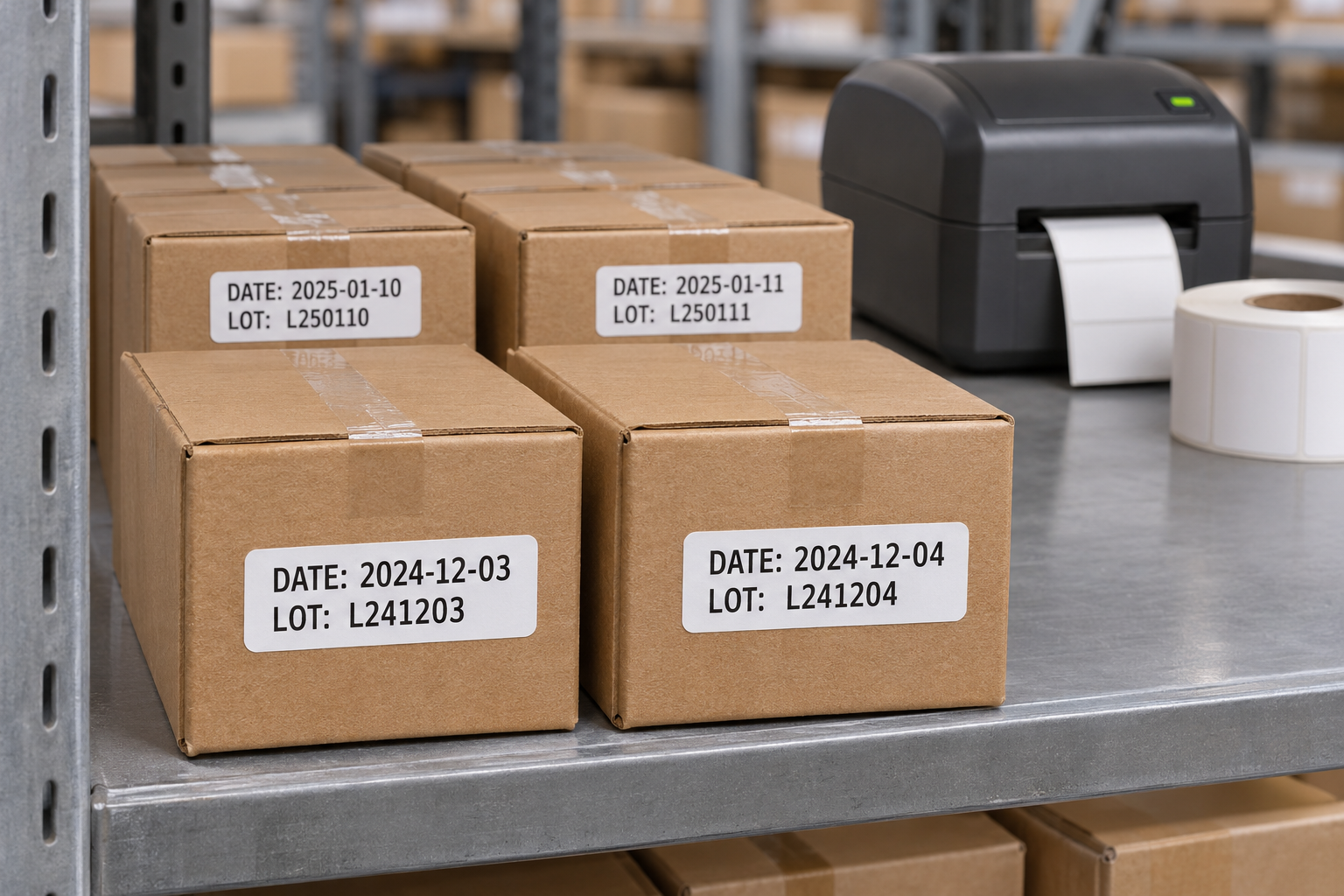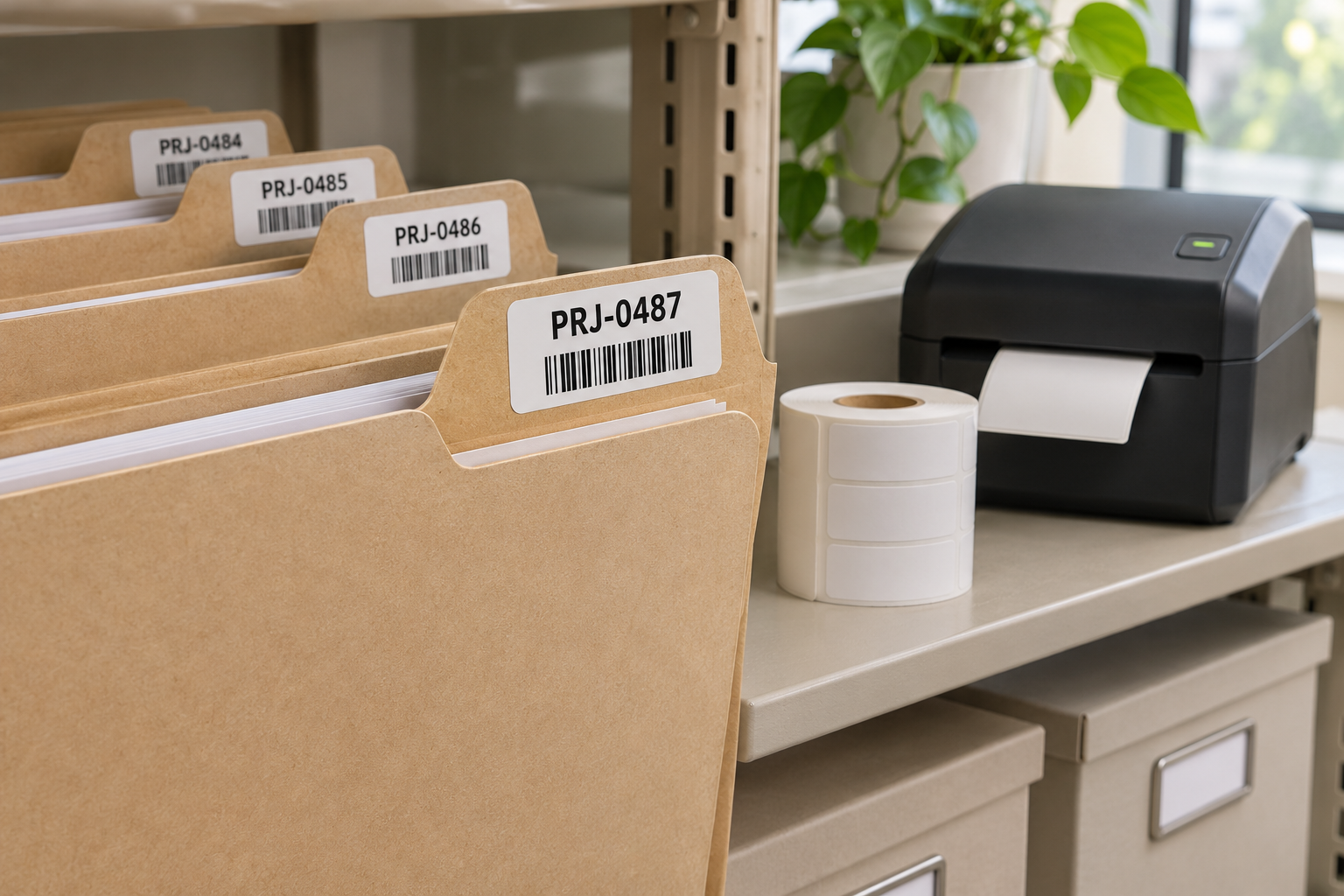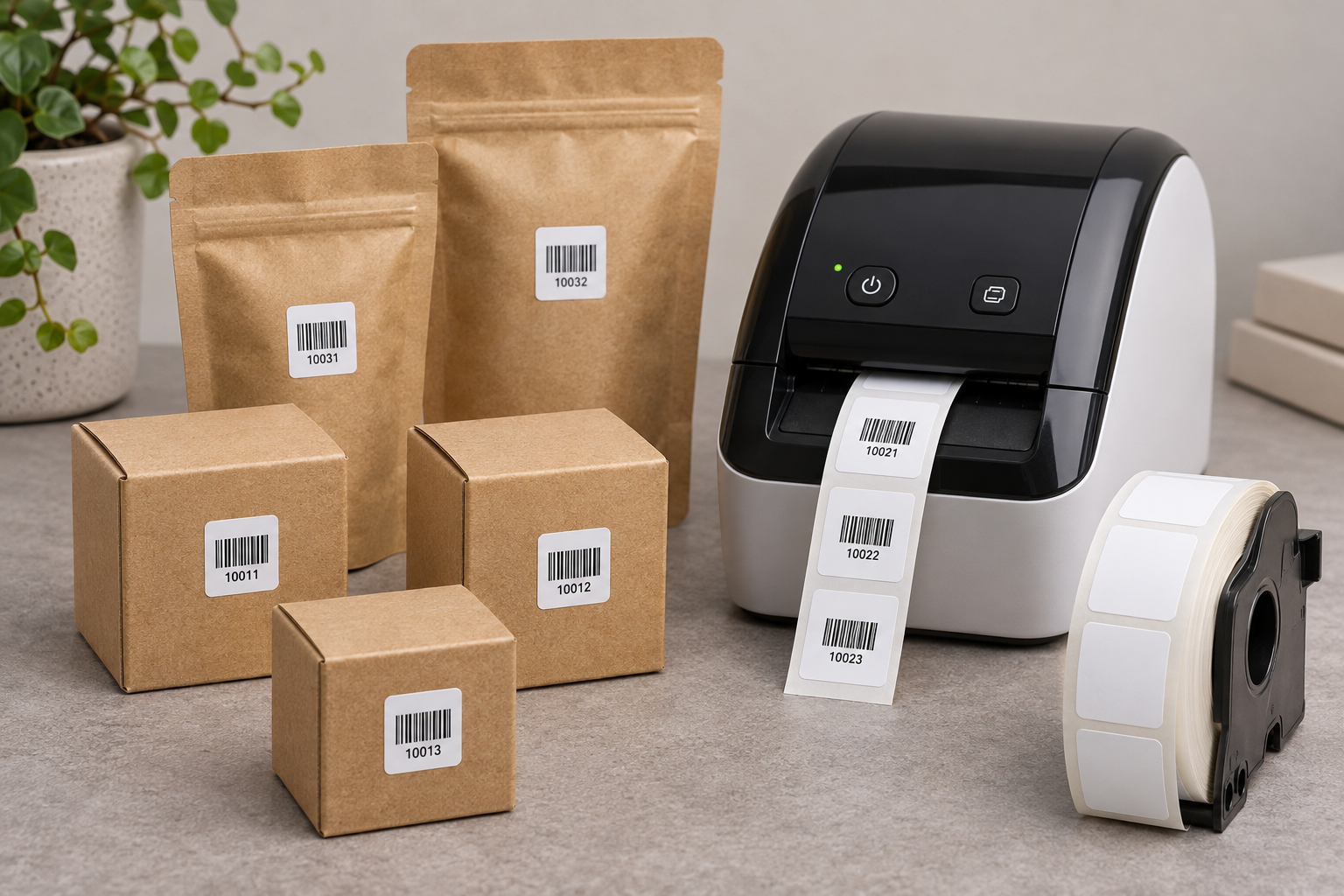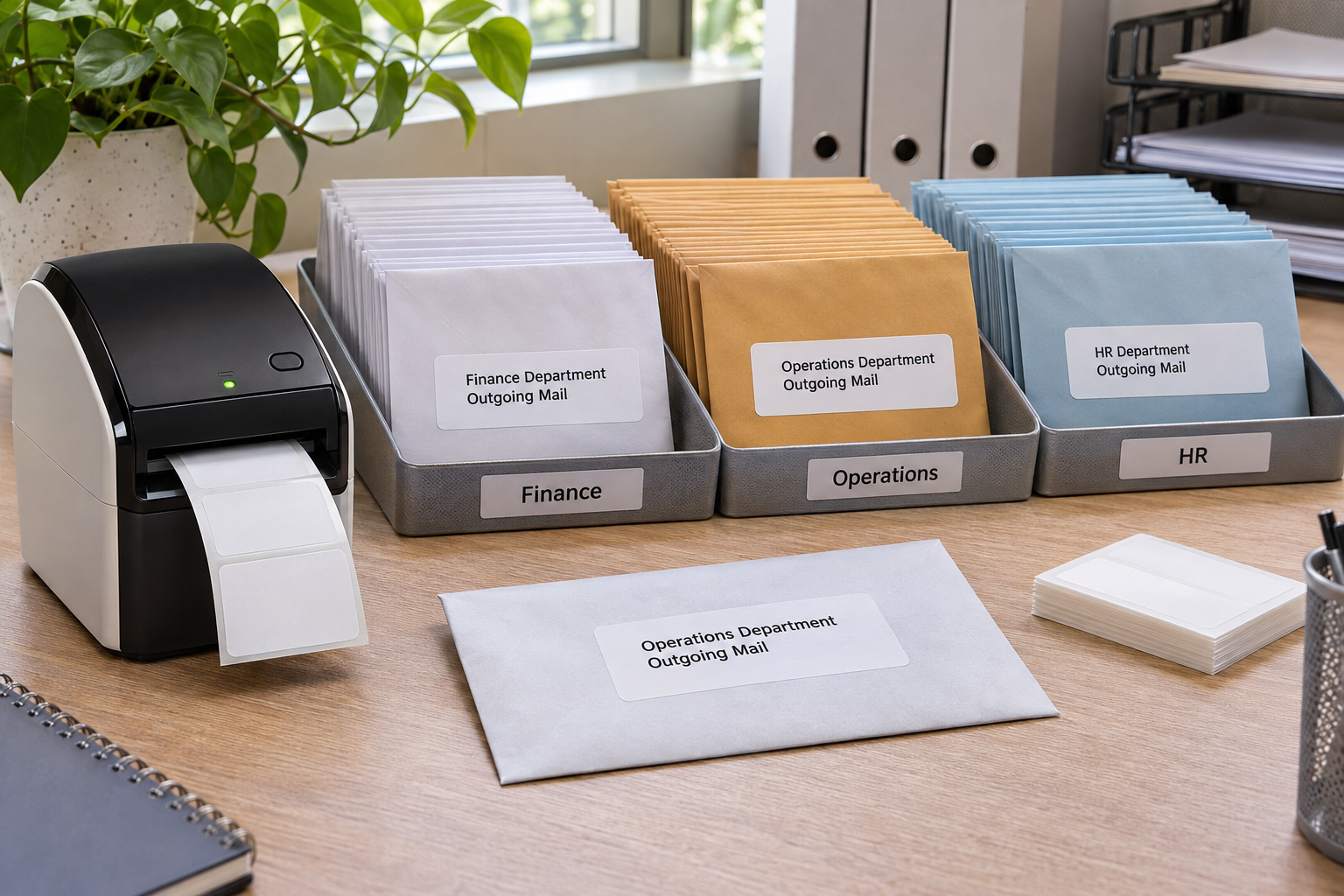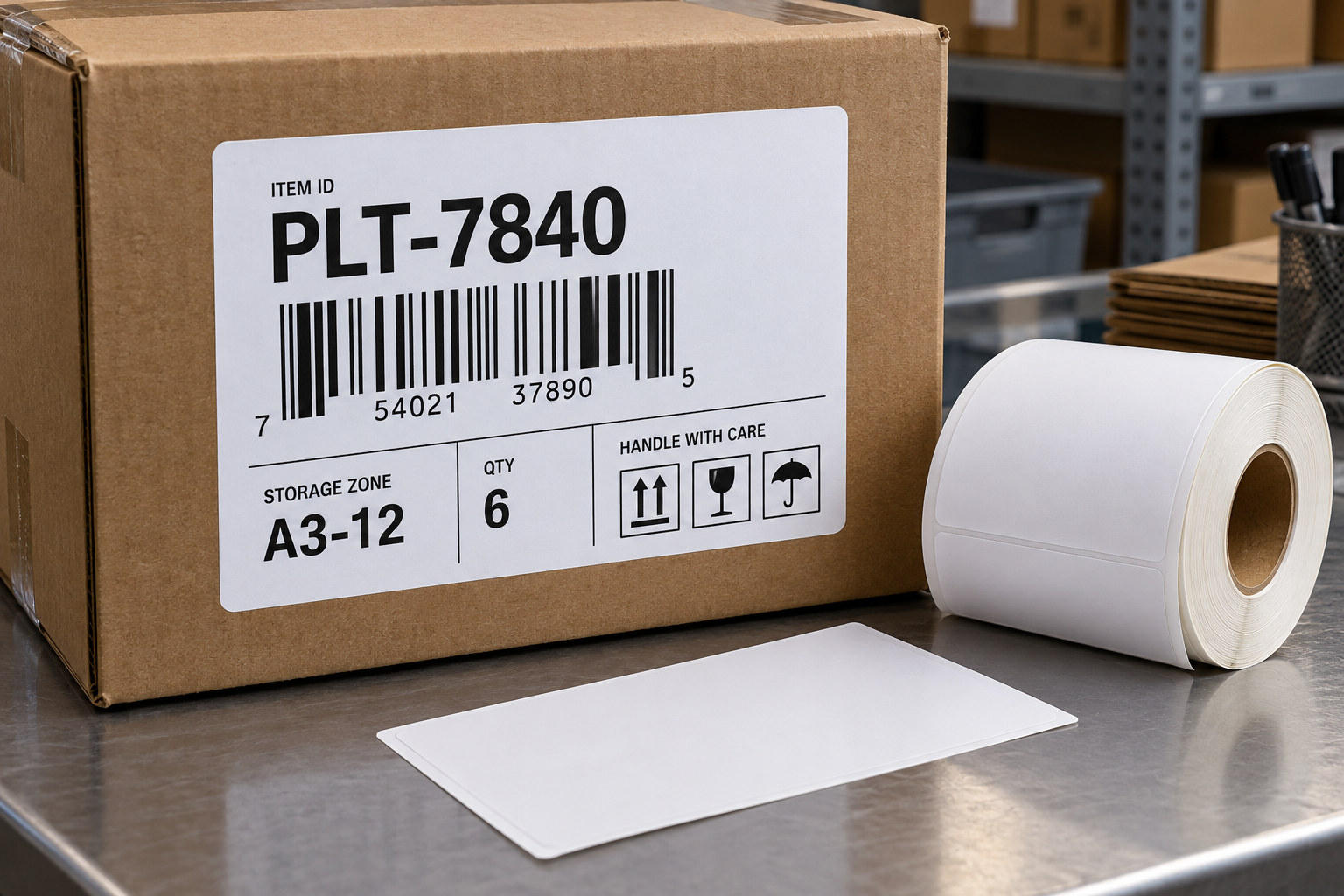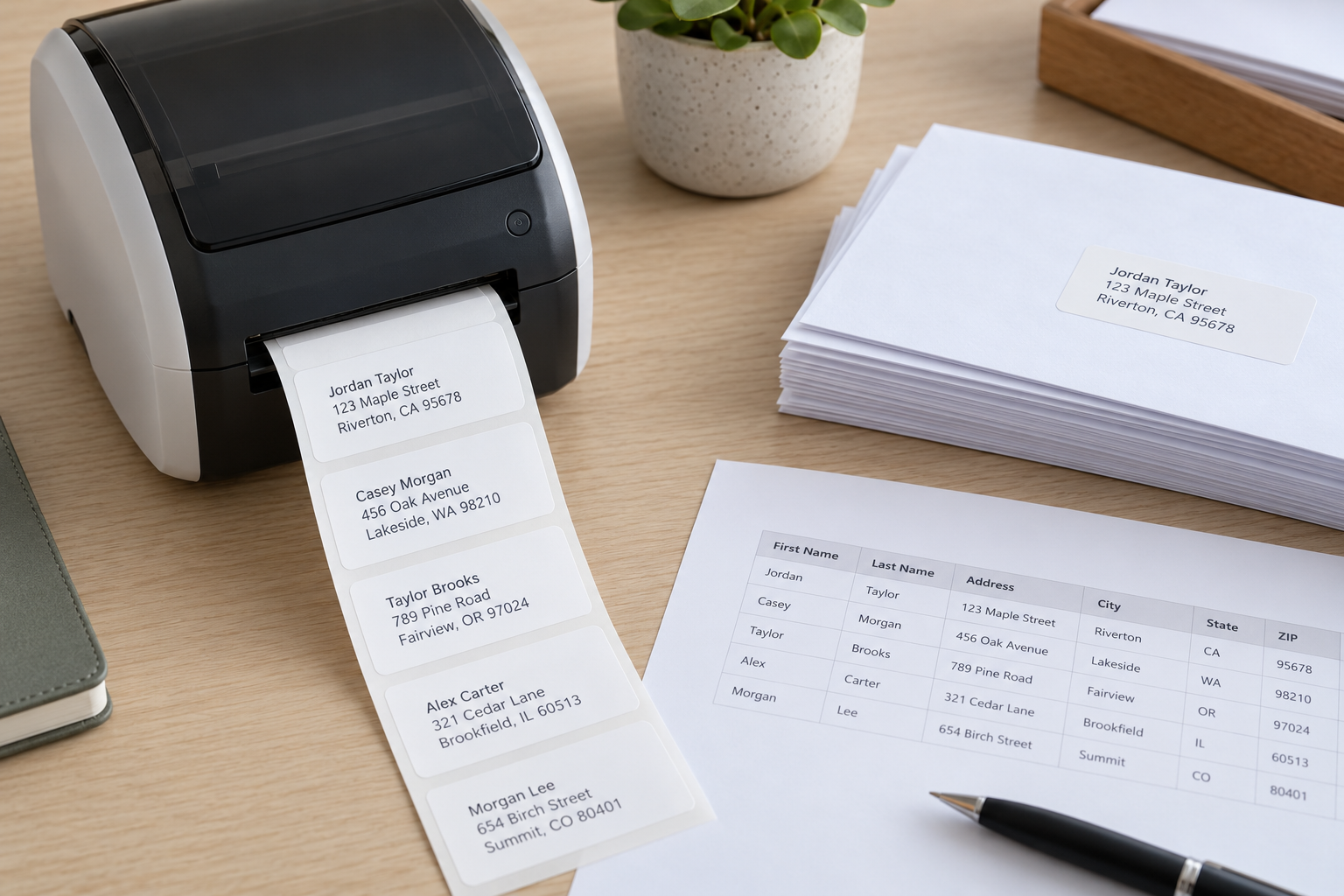
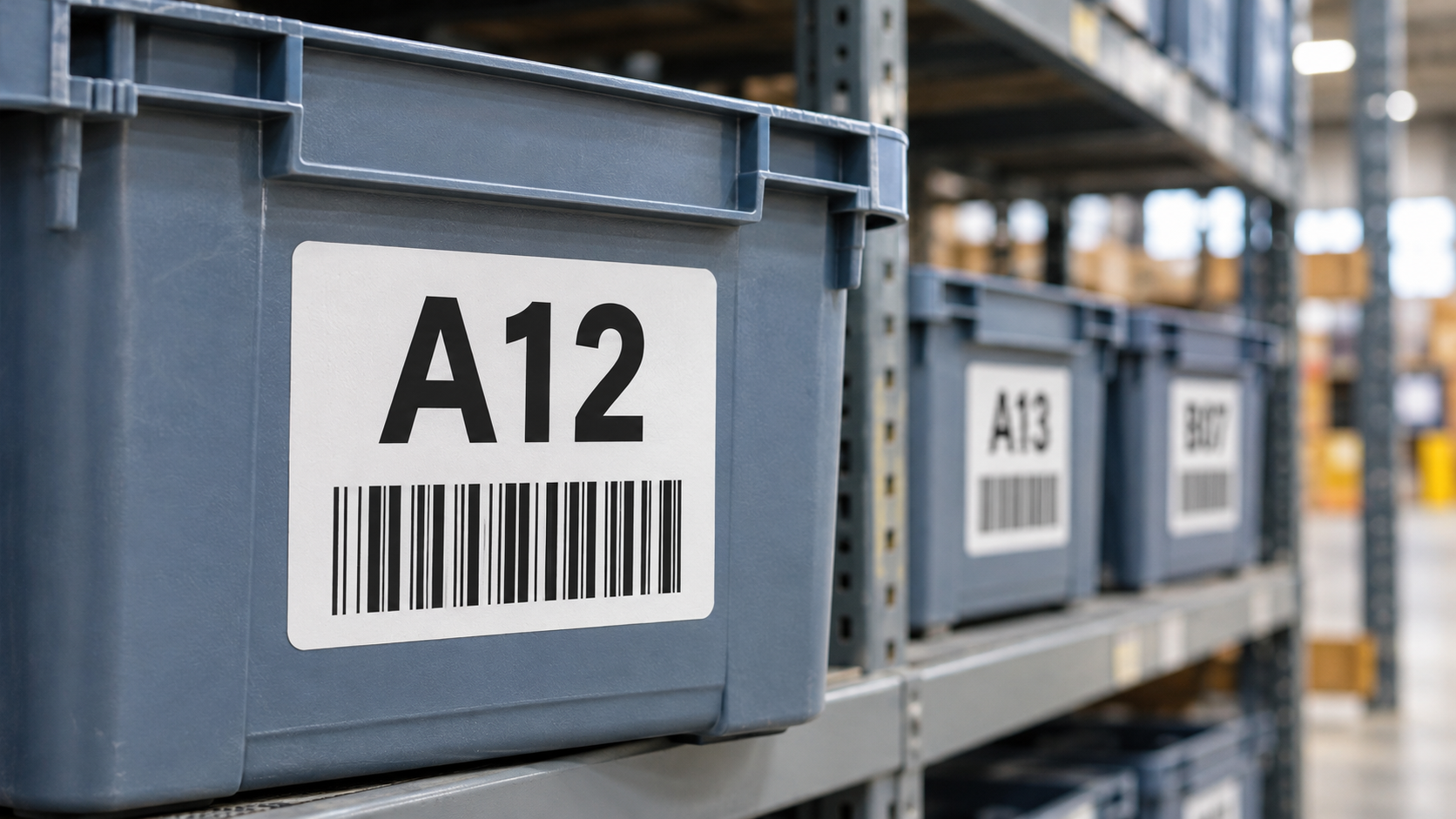
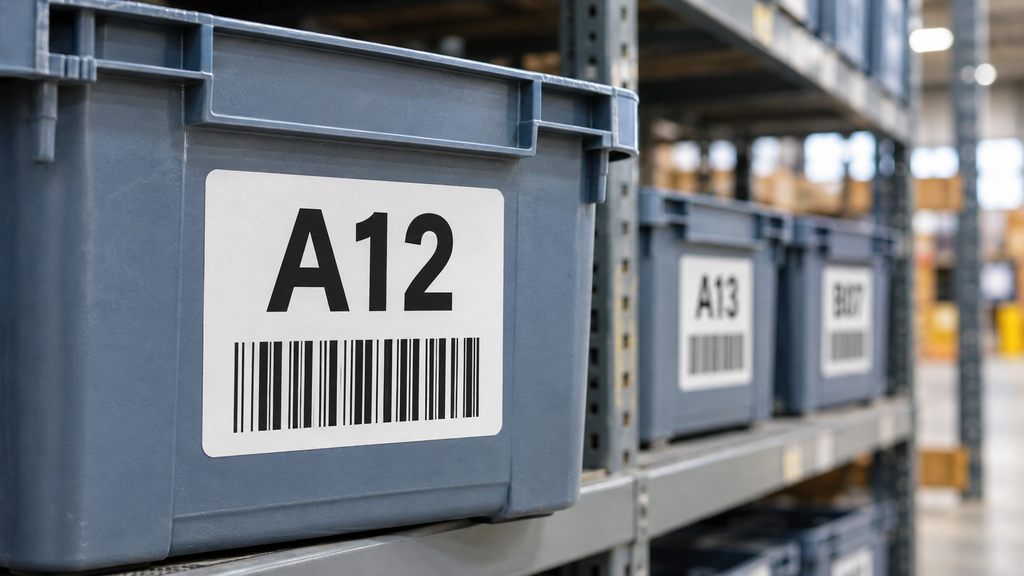
Warehouse labels are often designed on a computer screen and judged at arm’s length. In use, a picker may need to identify a tote, priority, or destination from several steps away. Enlarging every field is not possible on a small label, so decide which information needs distant reading and which can remain scannable only at close range.
Rank information by the decision it supports
Ask what the worker must know before approaching the item. It may be a route zone, work status, or bin number. Make that field large and high contrast. Keep secondary information such as a full order number in a smaller line or encoded barcode. Do not make a long customer address the visual headline when the immediate decision is simply which lane receives the parcel.
Avoid relying on color alone. Most direct thermal printers produce monochrome output, and even a preprinted color stripe can be hidden when a label is folded or viewed under poor lighting. Use words or simple symbols as well. Keep the barcode separated from large display text so a scanner does not lose its quiet zone.
Test at the real viewing distance
Print a full-size thermal workflow label and place it on the actual tote or carton. Ask several users to identify the key field from their normal approach path under normal lighting. Test the longest values, not only a short sample code. If long values wrap, decide whether to abbreviate through a controlled naming system, increase label size, or move some information to the scan record. Shrinking the entire layout is usually the least helpful response.
Check typeface, weight, and spacing. A bold sans-serif font with distinct characters can improve recognition, but only the finished print tells you whether the printer resolves those characters. Verify that zero and O, one and I, and similar letters are not easily confused. Human-readable text should agree with the encoded record.
Keep the design usable after handling
Apply labels where they face the worker and remain flat. A large font does little good if the label sits under a handle or wraps around a corner. Inspect after stacking and normal abrasion. If the same reusable tote is relabeled often, choose a removable construction or a protected insert so old codes do not accumulate.
Order test direct thermal label rolls in the proposed size and print from the production template. Record both reading distance and scan success. A useful design reduces wrong-lane decisions without forcing staff to hold every container close to their eyes or scan it merely to see a short status word.
Test different workers and lighting
Use the real aisle lighting, including the dimmest routine shift. Ask workers of different heights to read a label on both high and low positions. A layout that looks clear at desk level may be hidden by a shelf lip or a stacked carton. If glasses or gloves are common in the work area, include them in the trial. The goal is not a formal vision test, but evidence that the intended field is visible where the decision occurs.
Large type also needs restraint. If every field is bold and oversized, there is no visual priority. Use one prominent route or status field, one smaller identifier, and a separate barcode region. A useful proof can be printed on ordinary stock, placed in the actual location, and judged by a few short recognition tasks before ordering a new die size.
Prevent stale information
When a status changes from “hold” to “release” or a tote changes destination, remove the old label before applying a new one. Two large, readable statuses are worse than one small one because workers may see the wrong face first. A removable label or reusable insert can help with frequent changes. Keep the system record synchronized with the physical label and require a scan after the change. Accessibility is part of accuracy only when the displayed information is current.
Create a hierarchy on the label
Write the one piece of information that must be read before a worker reaches the package. Give it the largest type. Place the short identifier nearby and put the barcode in a clear, undisturbed area. Do not enlarge a long address until it fills the entire label; its function may be served better by a route code and a scan. If users need several fields at different distances, consider a larger label or separate rack sign rather than forcing every need into one sticker.
Print black on a clean white surface with adequate contrast. Decorative backgrounds and small reverse-out text can weaken thermal output. Test the actual printer at its production resolution, because a screen proof will not reveal characters whose strokes merge after printing.
Compare recognition and scanning
Set up a short trial with labels at the normal shelf heights and lighting. Ask users to call out the route or status from the usual approach distance, then scan the code at arm’s length. Record wrong calls, hesitation, and scan retries. A label that improves distant reading but causes barcode failures is not a successful redesign. Test the longest real value and a few similar-looking codes, not only a friendly sample such as “A1.”
Include workers who were not involved in the design. They are more likely to reveal assumptions about abbreviations or orientation that the design team takes for granted.
Keep the status current
Large text can be especially misleading when a label is stale. If a tote is moved from “urgent” to “hold,” remove the old status and scan the new one into the system. Do not stack several large labels on different faces of a reusable container. Use a controlled removable stock or replaceable holder where statuses change often. The reader should be able to trust the most visible field without searching for a newer sticker hidden on the opposite side.
A template should include a fallback for values longer than the display area. Truncating a route name without warning may make two destinations look identical. Use an approved short code and retain the full destination in the scan record, or print on a larger format when necessary. Test that fallback with the longest real value.